The panels that run the exchange.
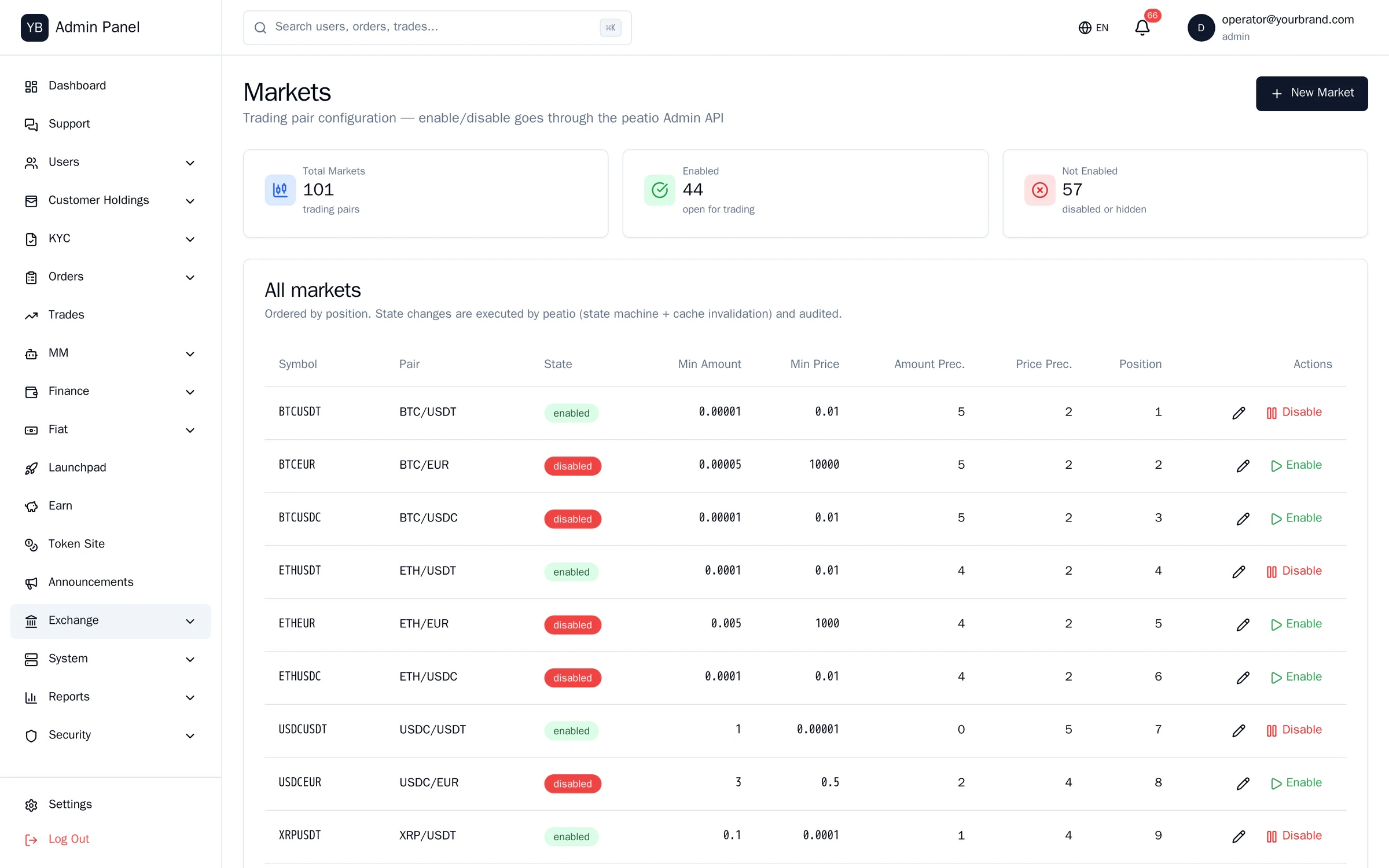
Part of the Exchange block, not a separate product. The 53-screen admin plus a console for each module: Mirror and JIT (books, spreads, treasury, gas), Earn (products, positions, accrual log), Rewards and referral (campaigns, payouts), Launchpad (rounds), and the custody officer panel. Roles start from no access.
- admin screens
- 53
- operator consoles
- 4
- roles · superadmin, admin, support
- 3
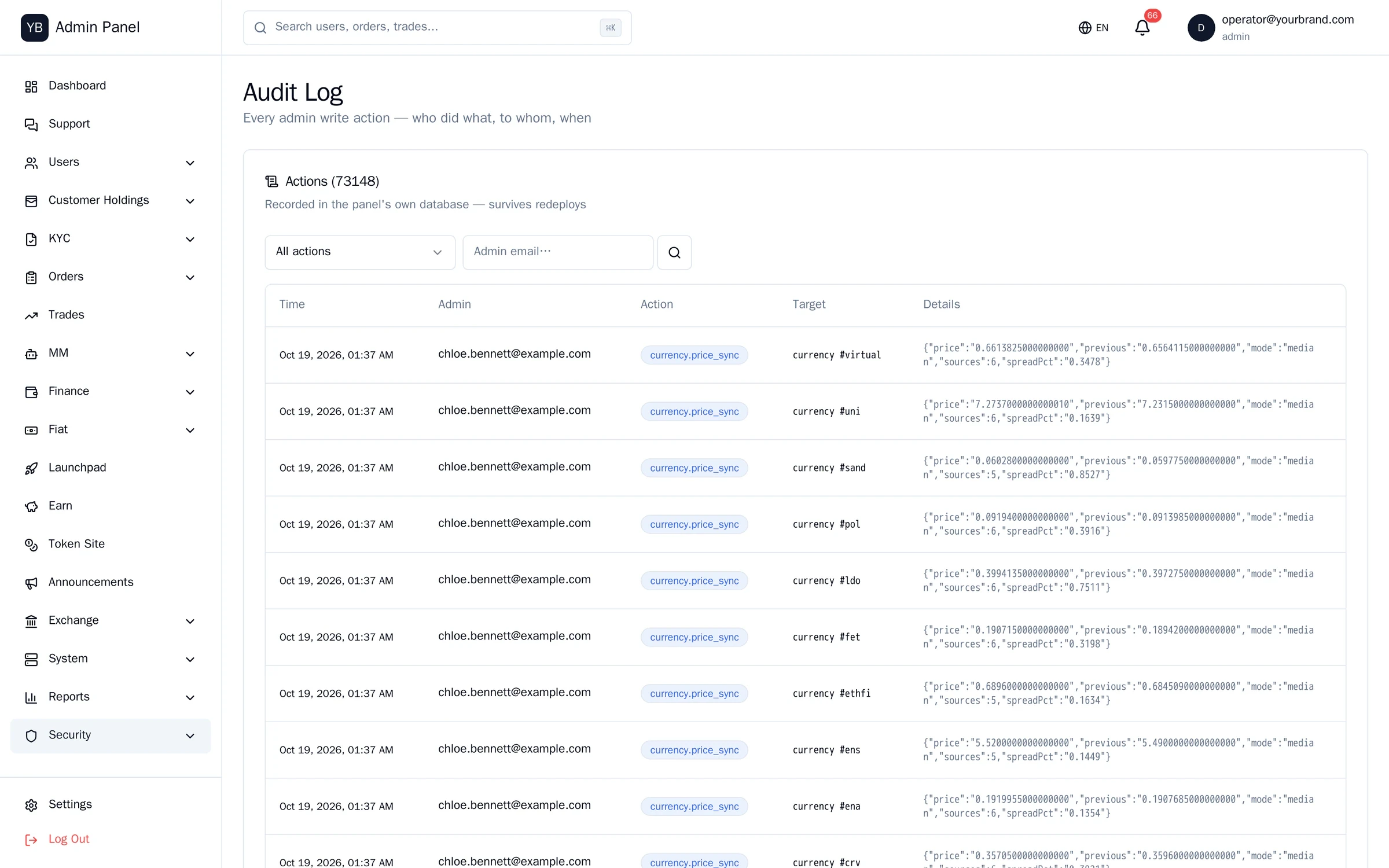
- of money actions in the audit log
- 100%
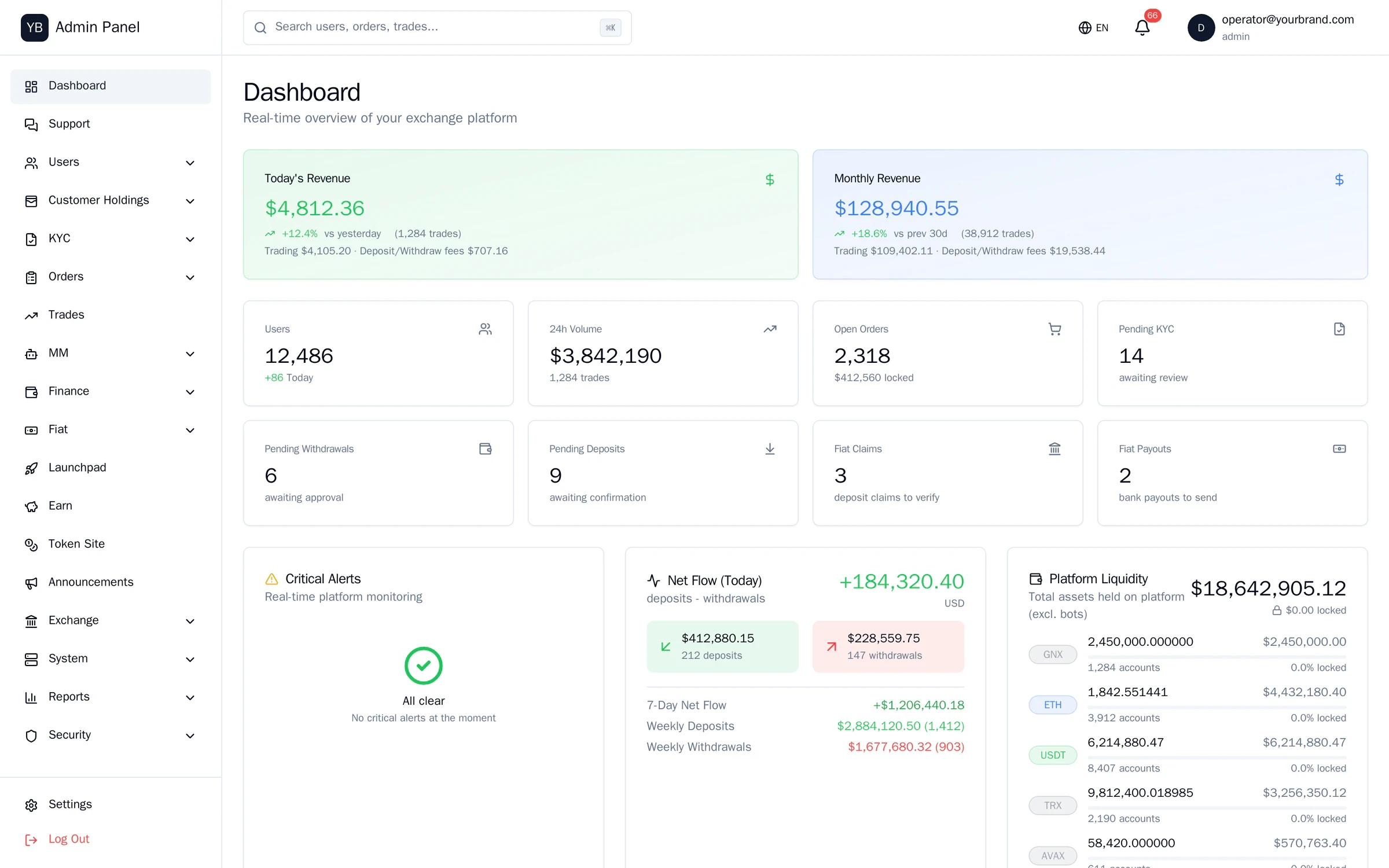
Who is on the platform, and who approved them.
Screens from the running system. Light theme.
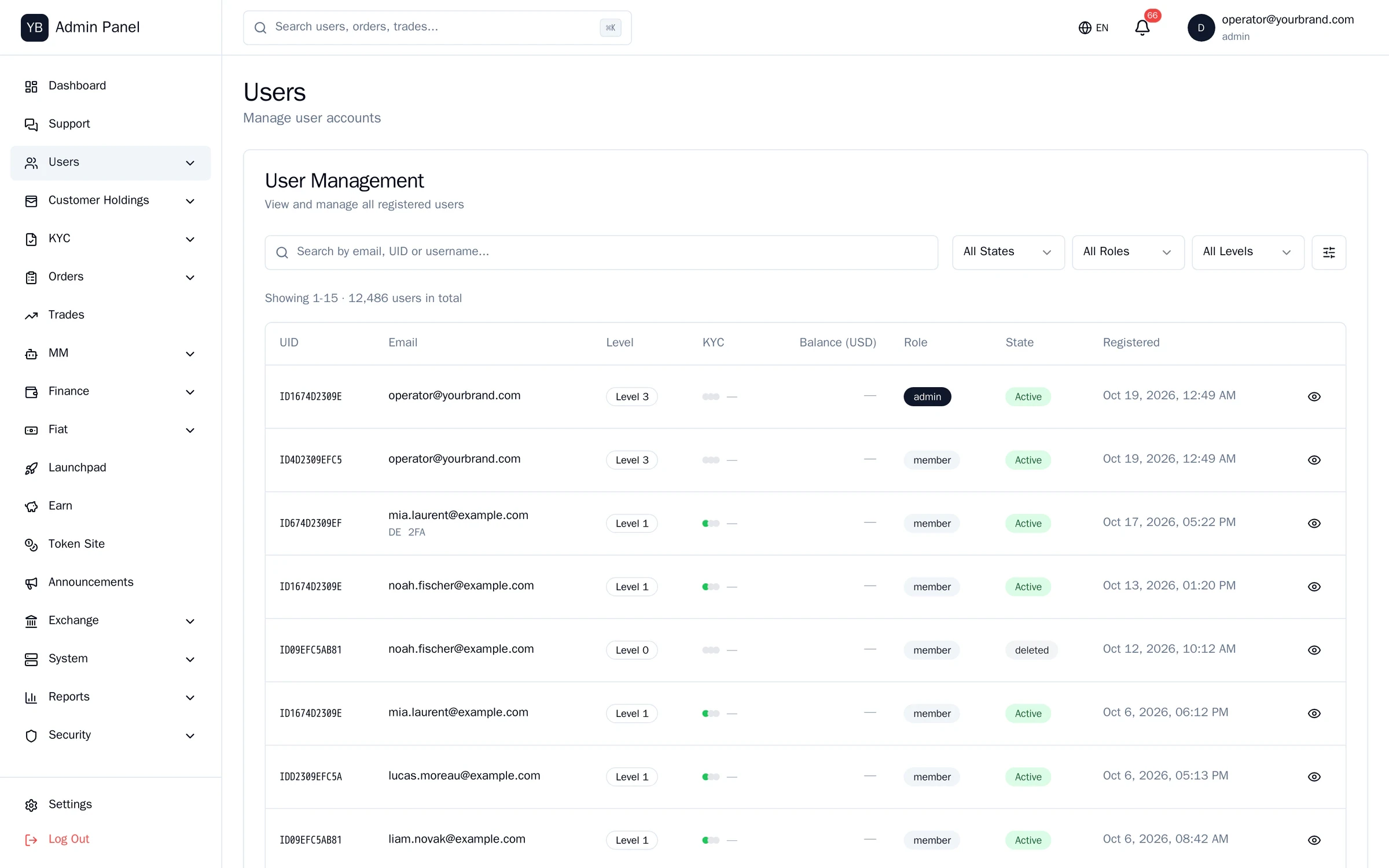
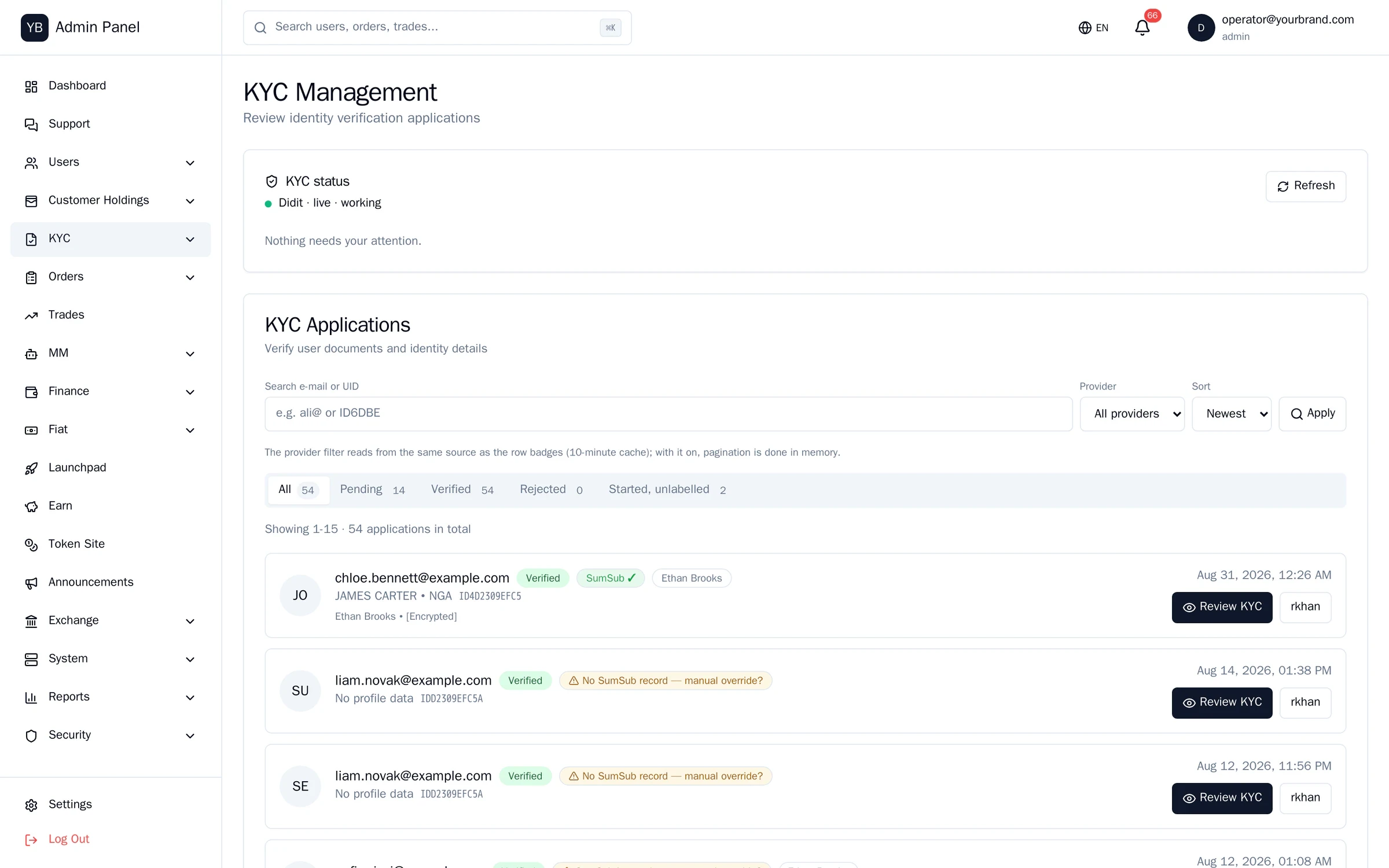
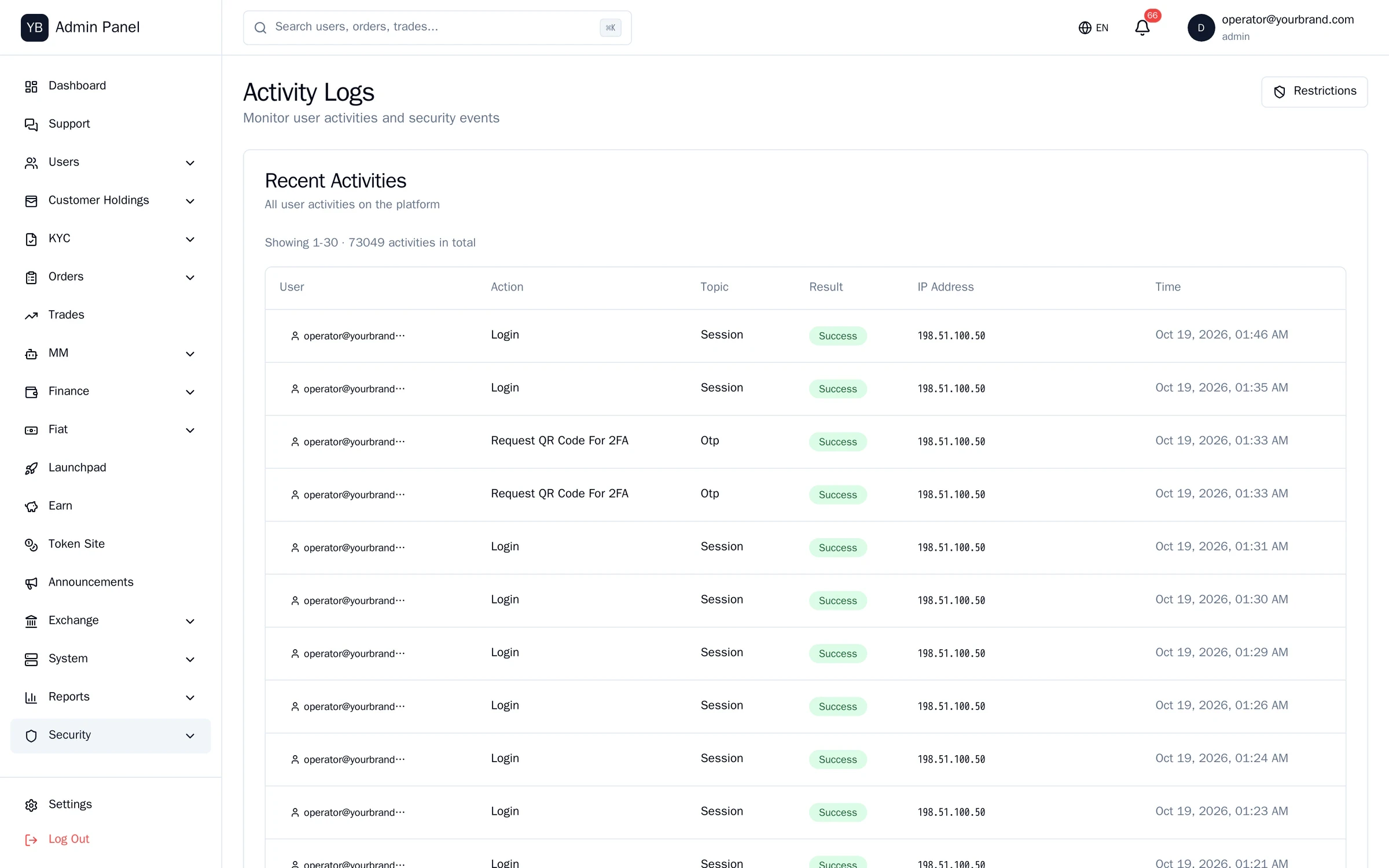
Some figures in these screens are sample data; layouts and features are the running software.
Approve, reject, reconcile.
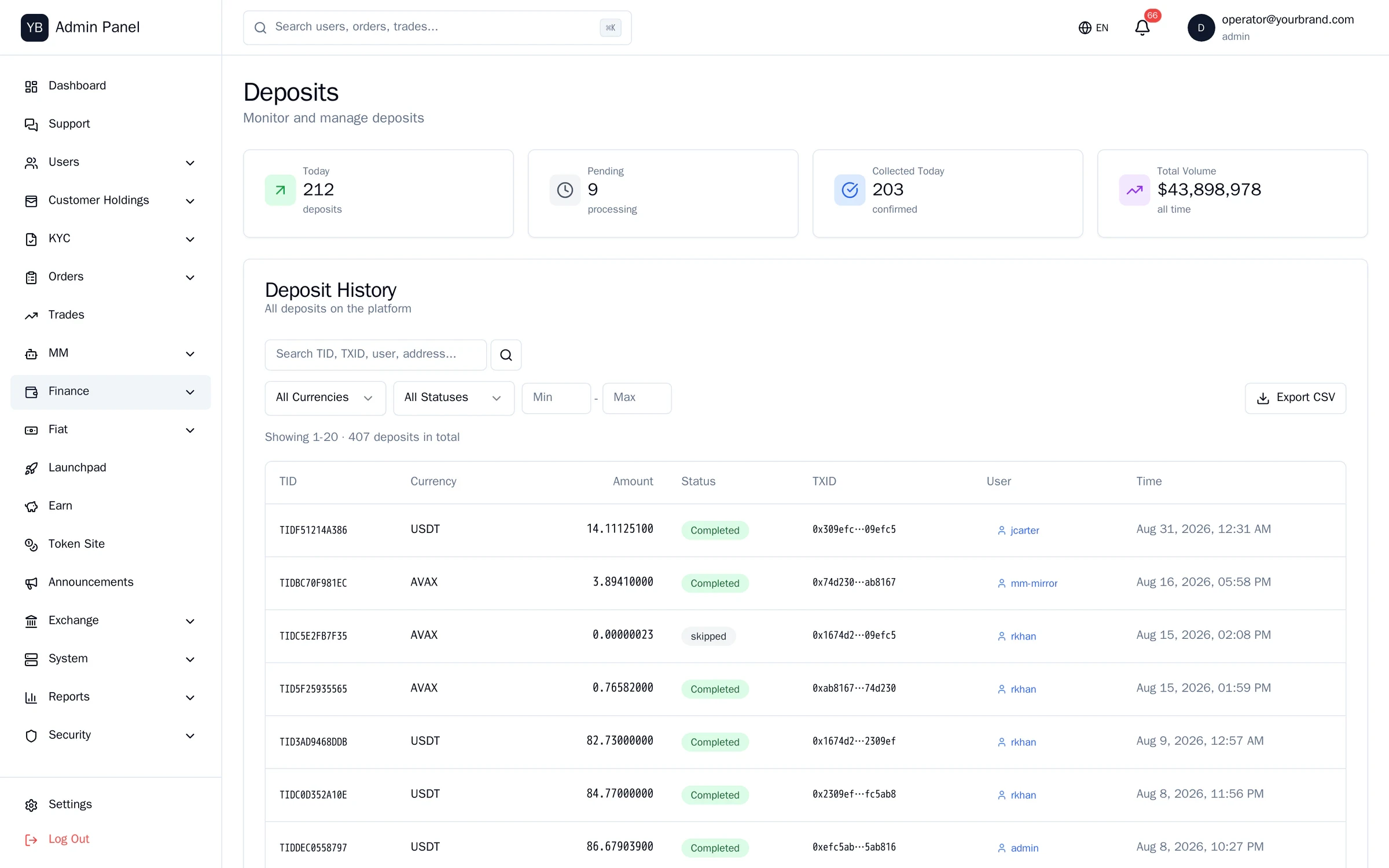
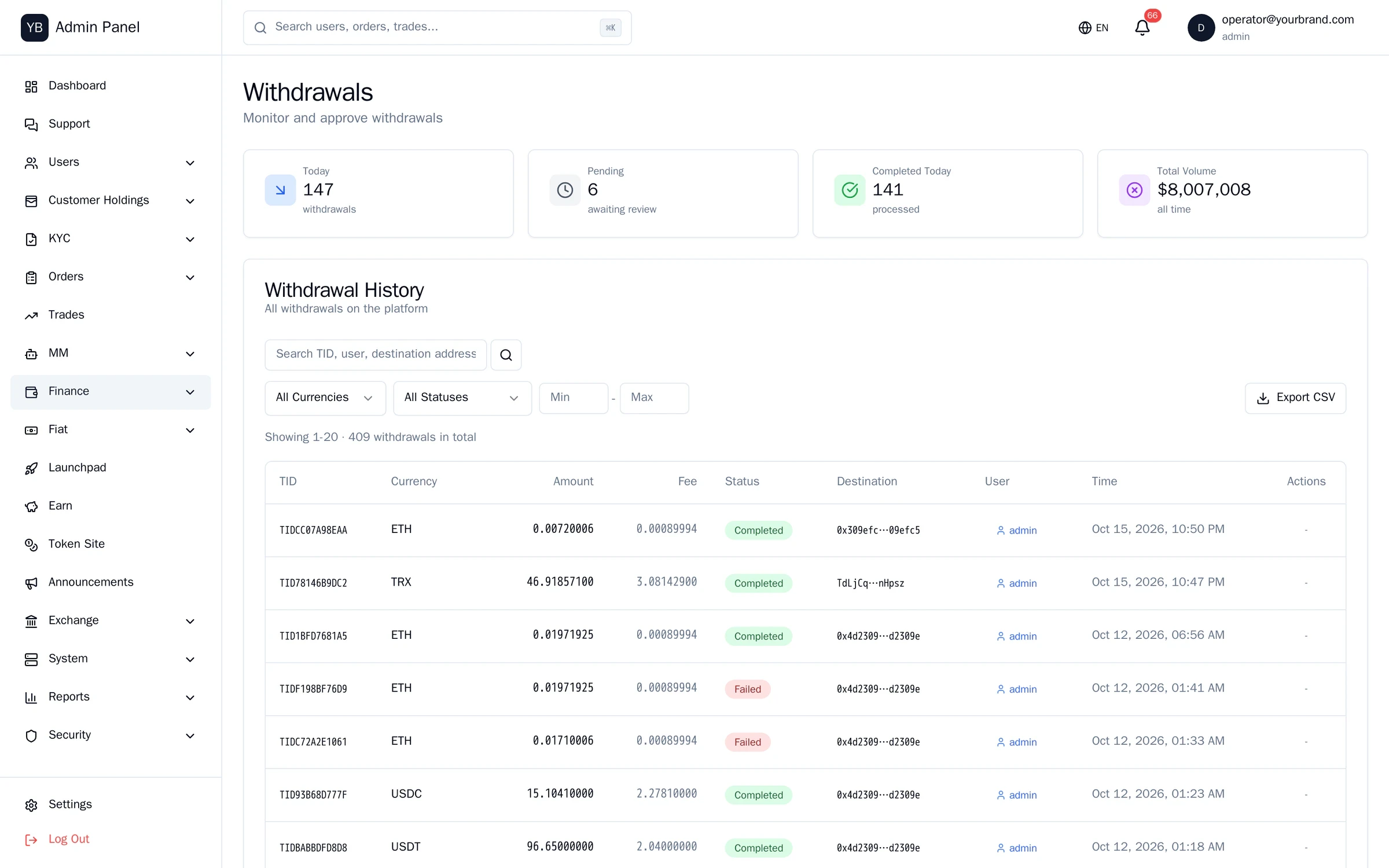
Deposits and withdrawals
Queues with chain, txid, confirmation depth and status. Approve/reject triggers real state transitions.
Fiat rail
Bank accounts, TRY/EUR deposits and withdrawals, per-bank cost and percentage fees, with their own accounting entries.
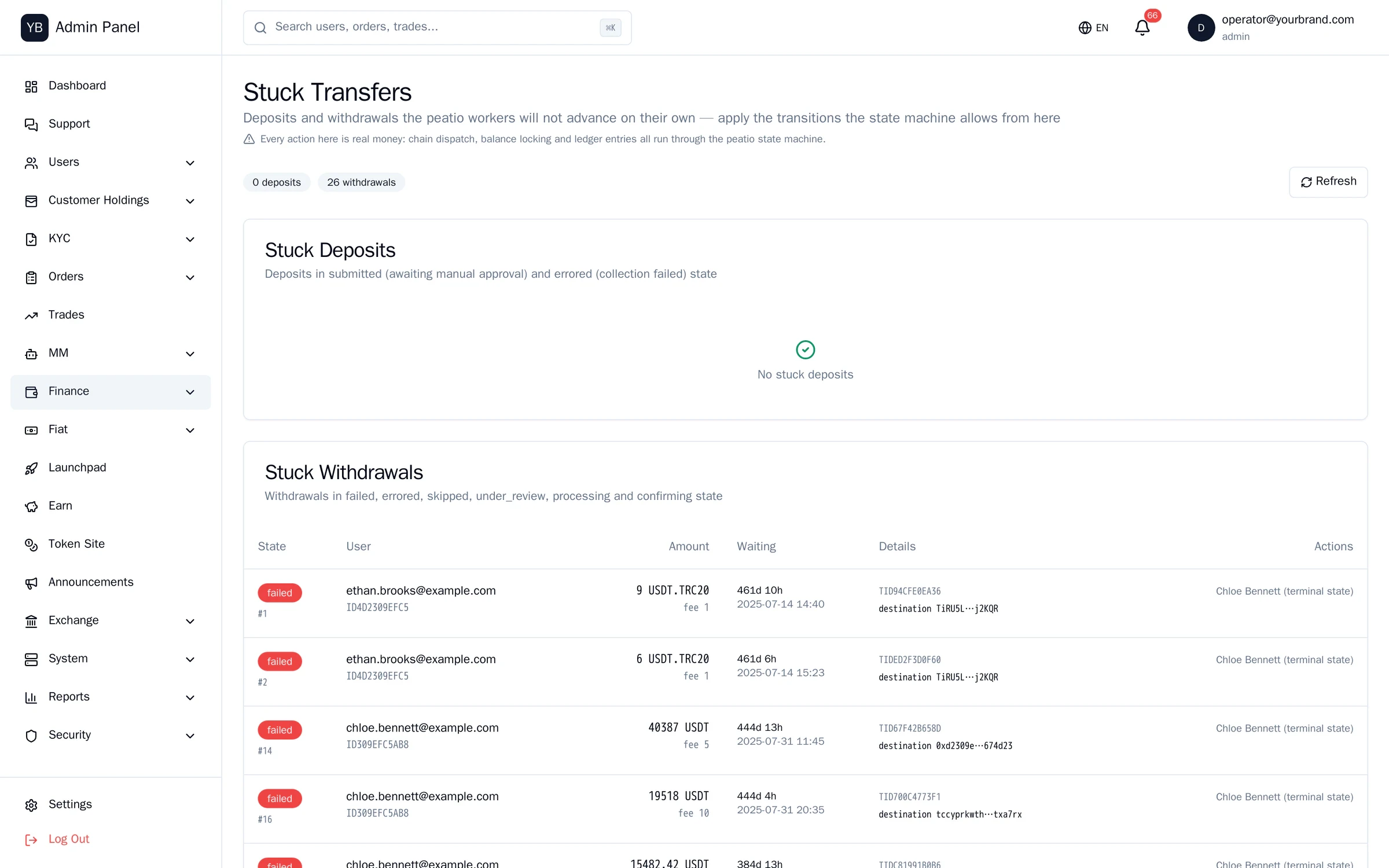
Stuck money
Every transfer that was paid on chain but looks wrong in the records, or that is waiting for approval and has been forgotten, in one list.
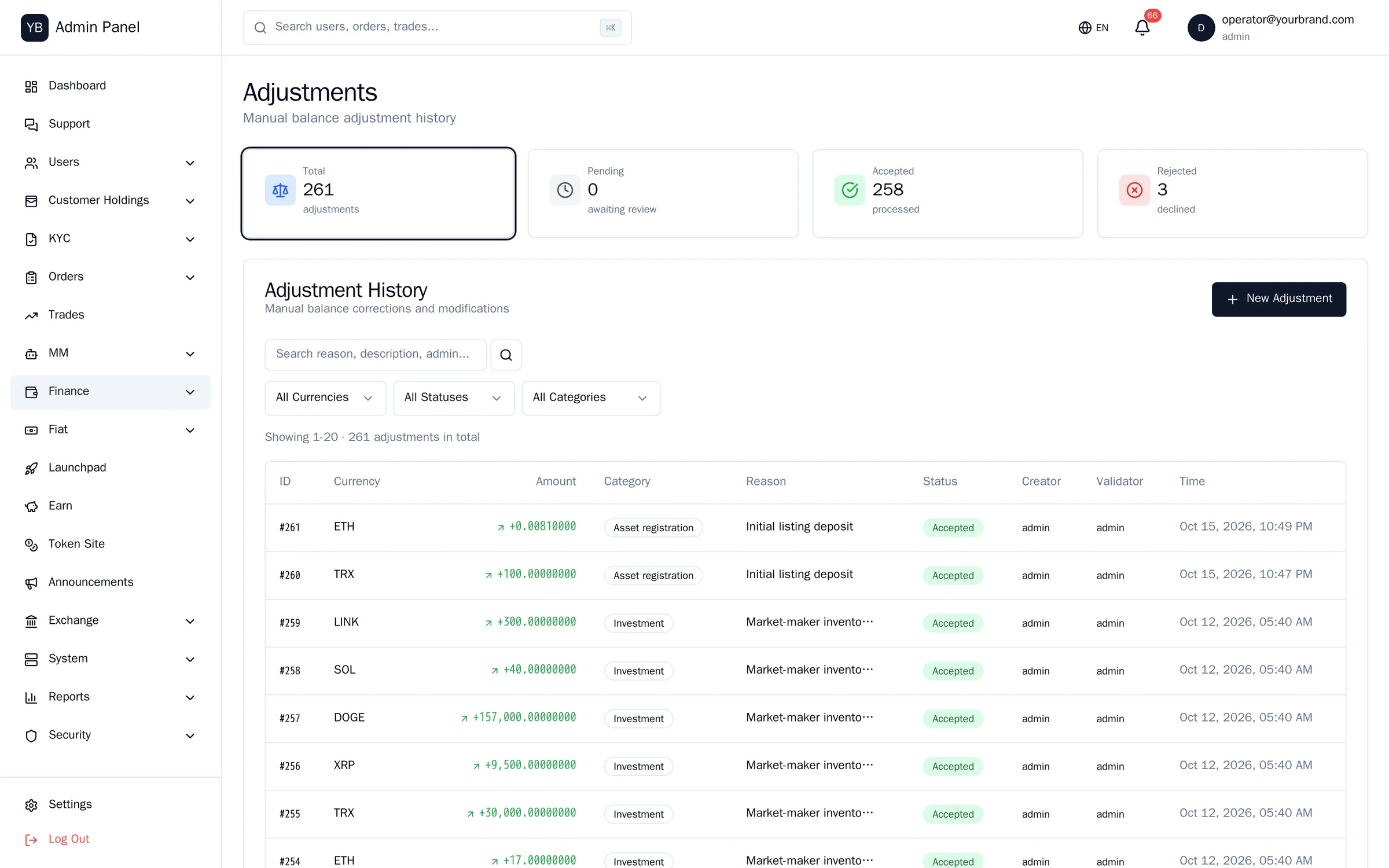
Ledger and adjustments
Asset, liability, revenue and expense entries. Manual adjustments carry a stated reason and the operator who made them.
Fees
Trading and transfer fee settings; maker/taker tiers.
Internal transfers
Records between accounts, including market-maker and Earn treasury movements.
Deposits to ledger.
Screens from the running system. Light theme.
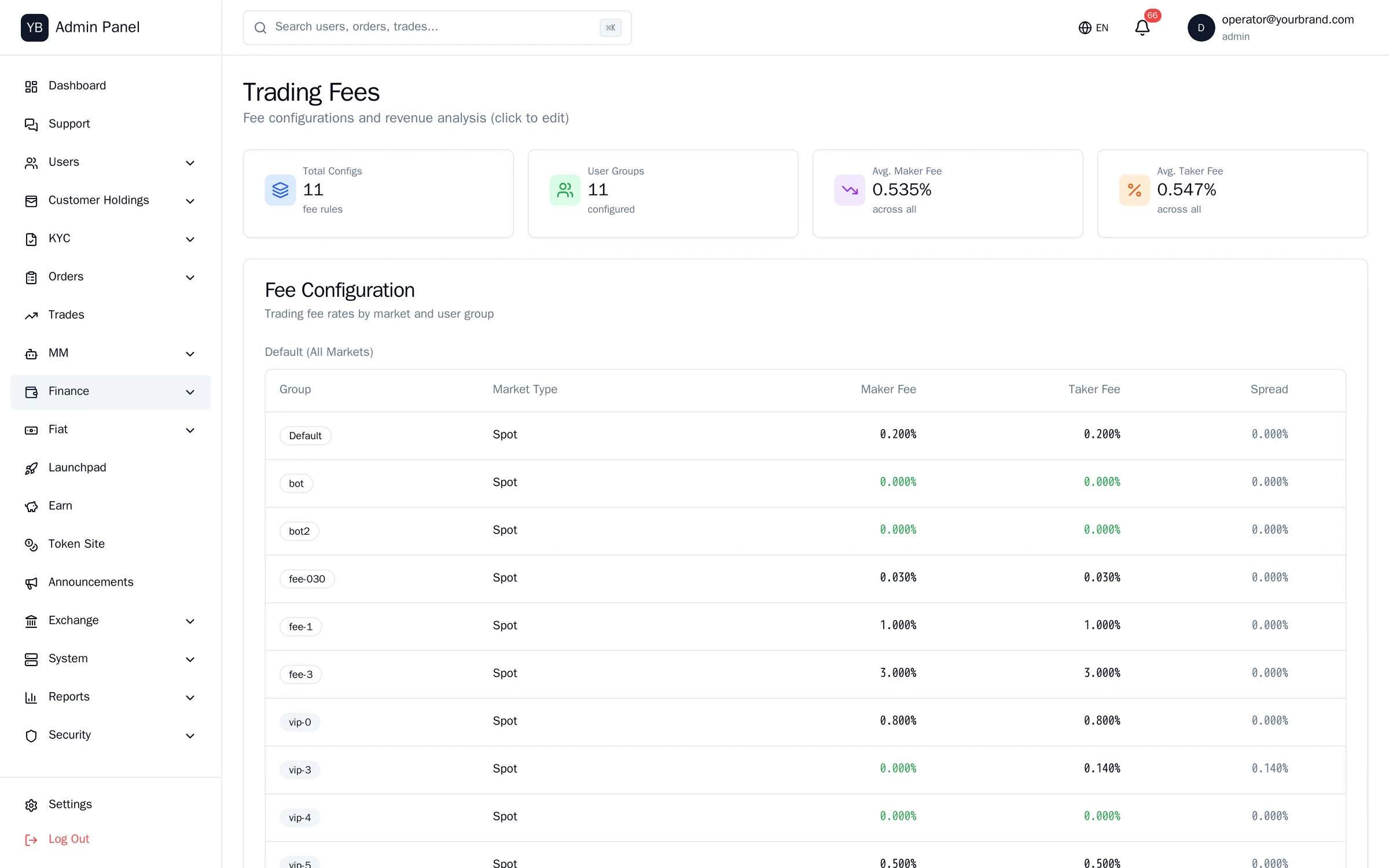
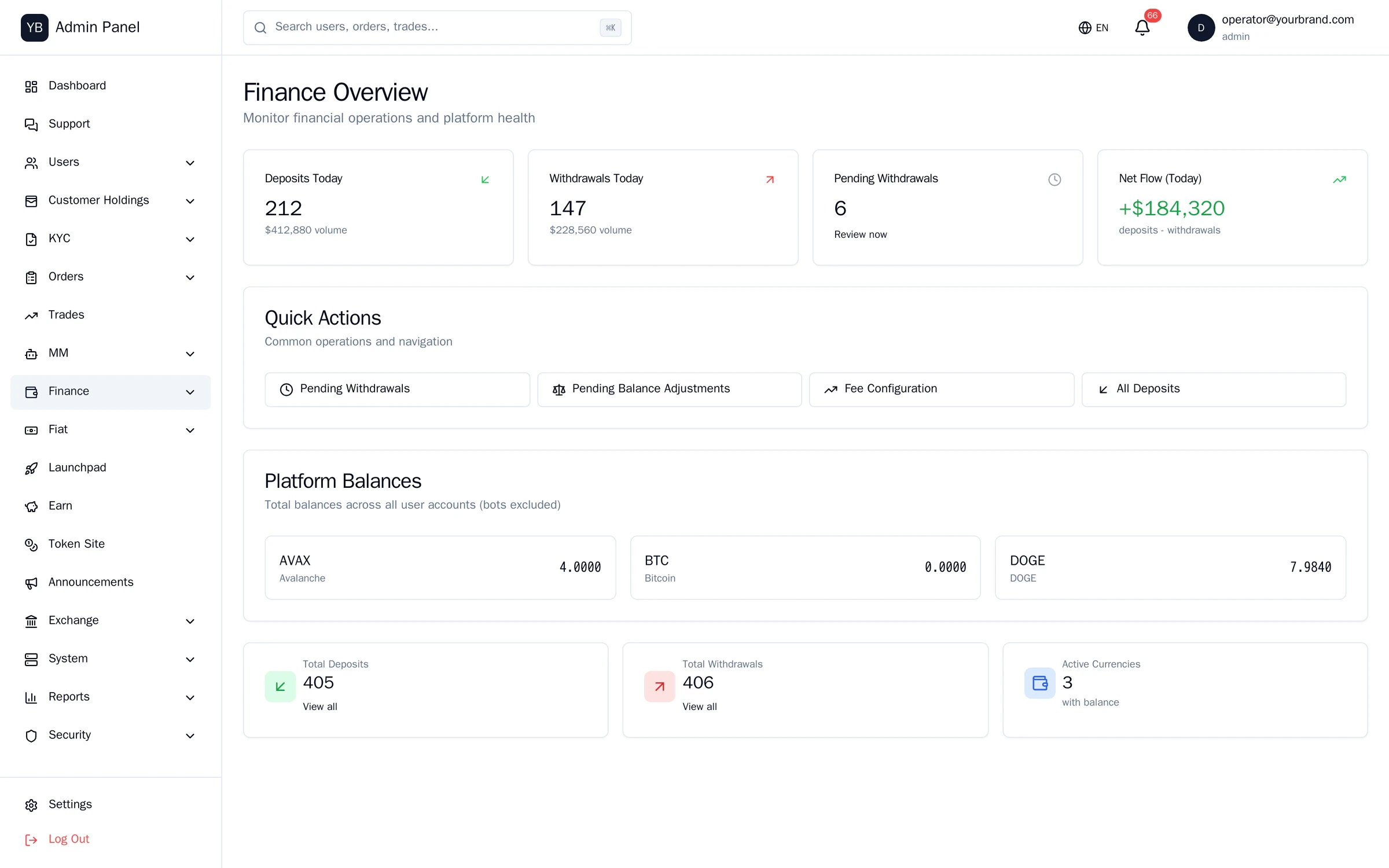
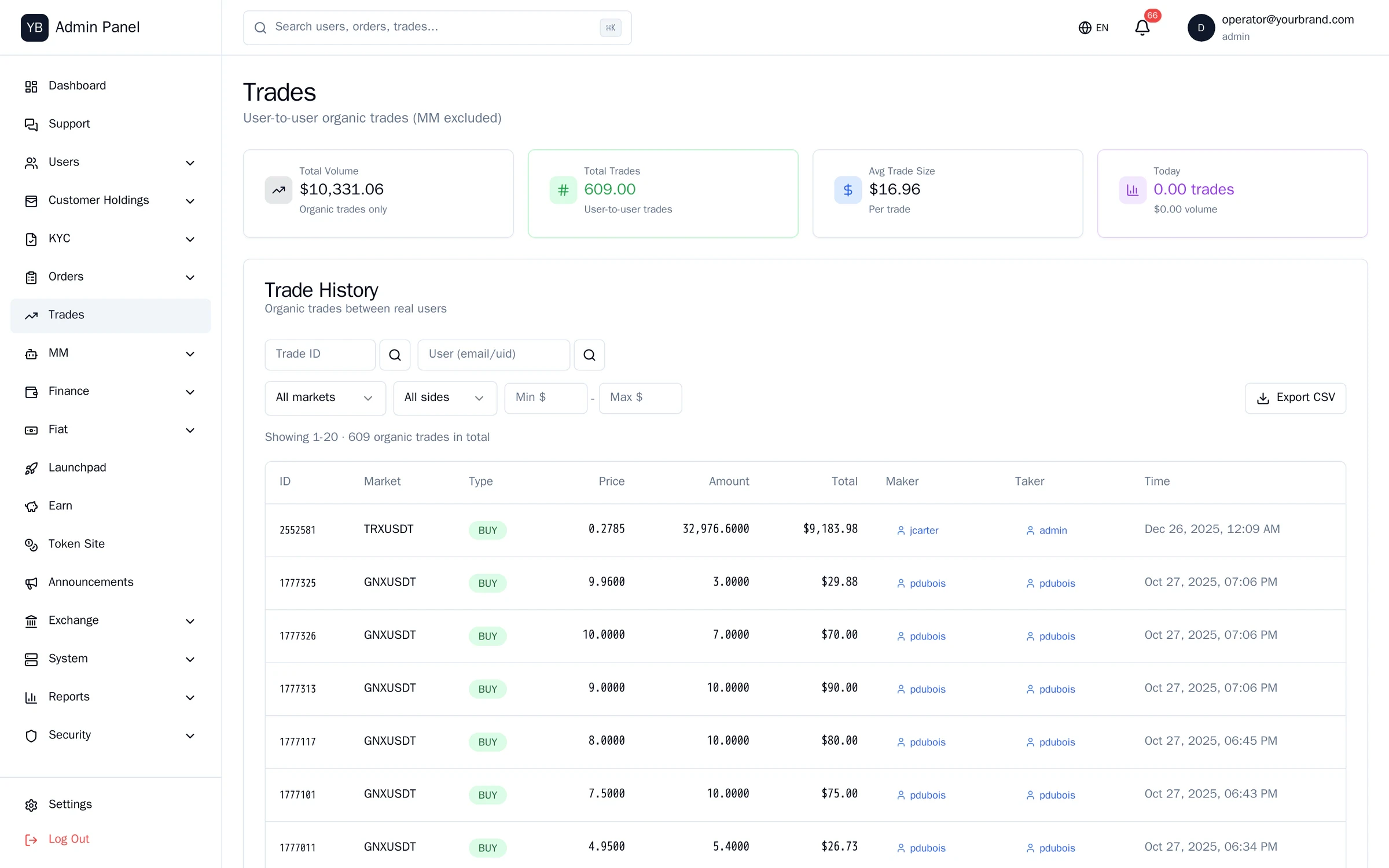
Some figures in these screens are sample data; layouts and features are the running software.
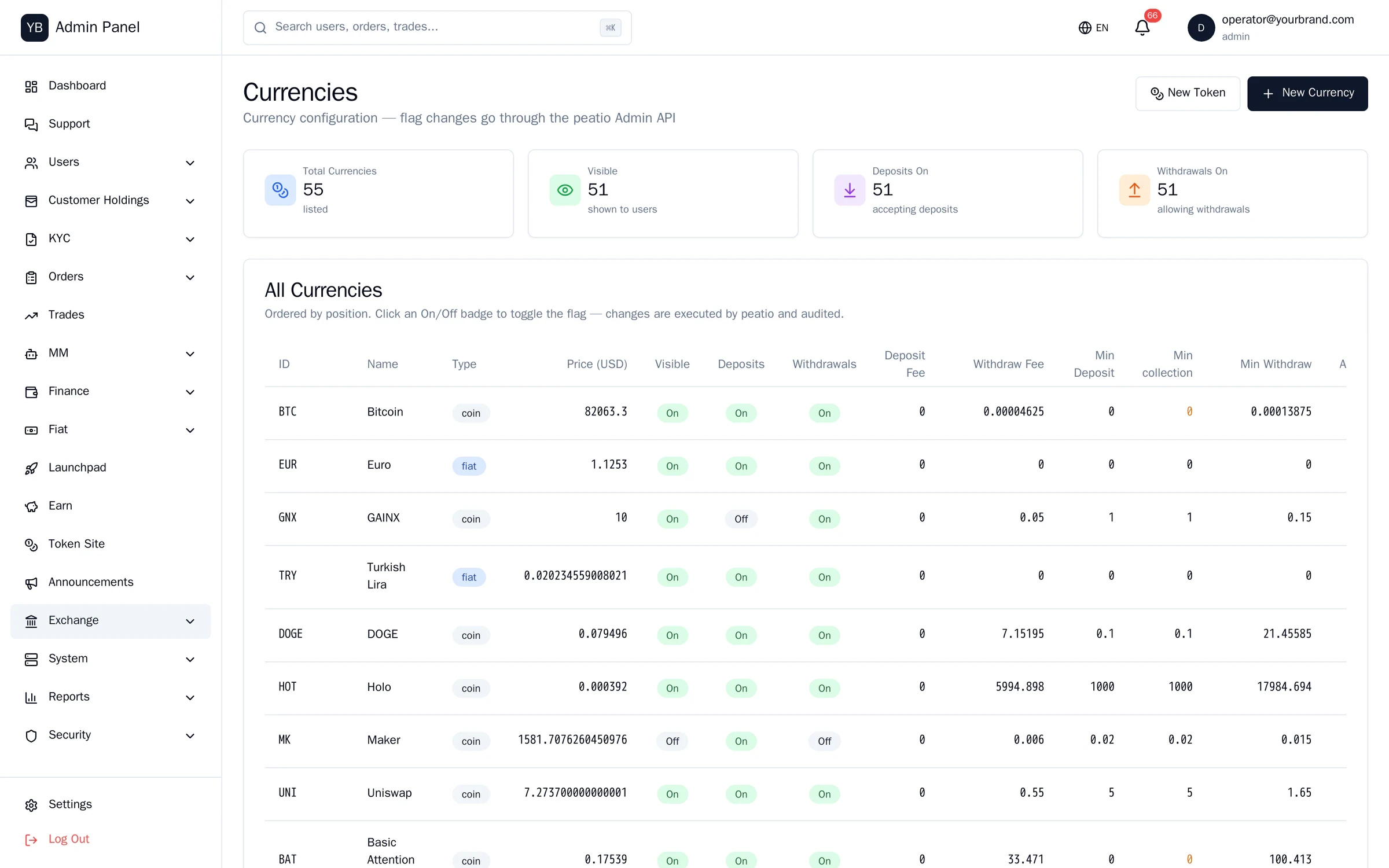
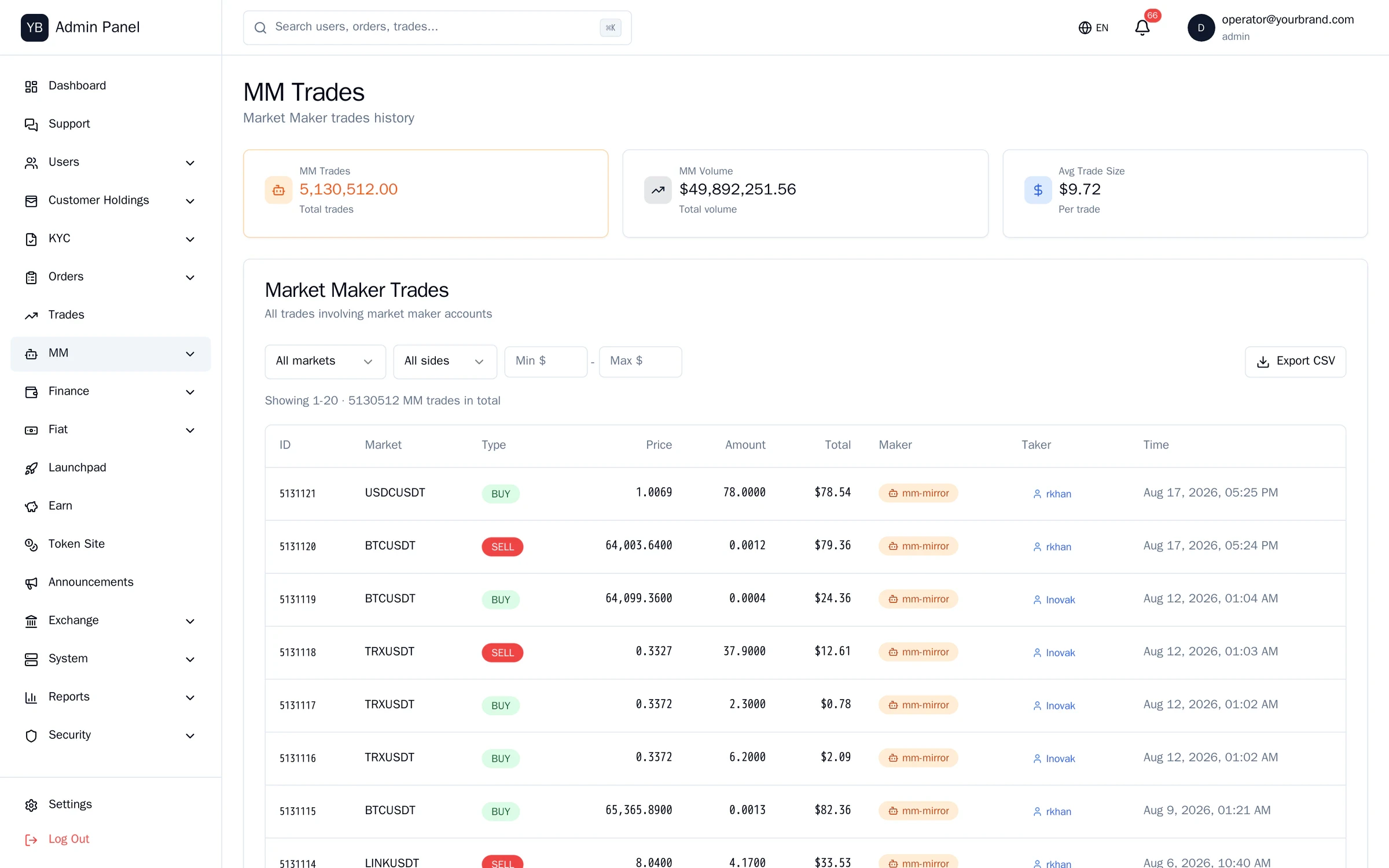
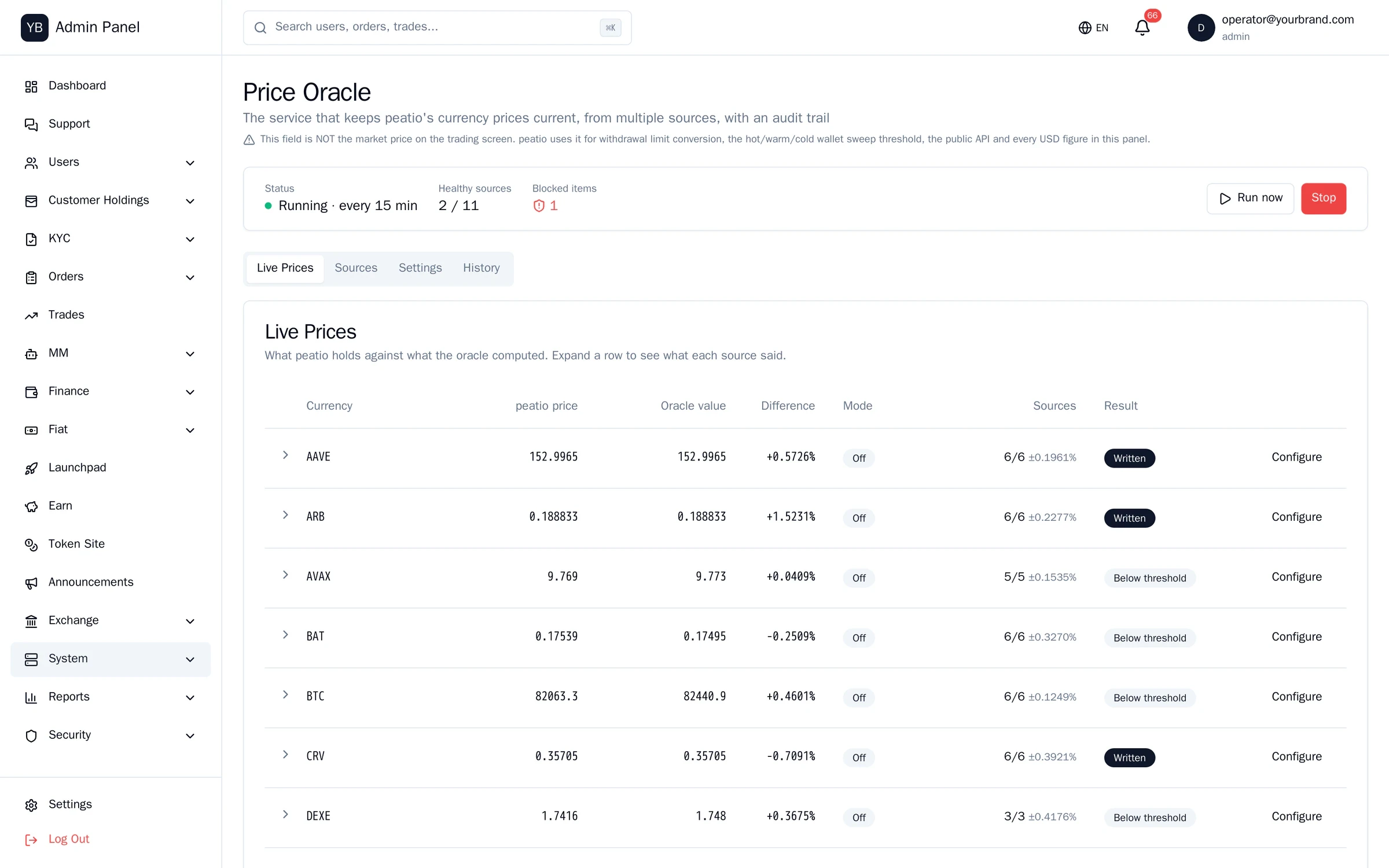
Organic and market-maker volume, separately.
Screens from the running system. Light theme.
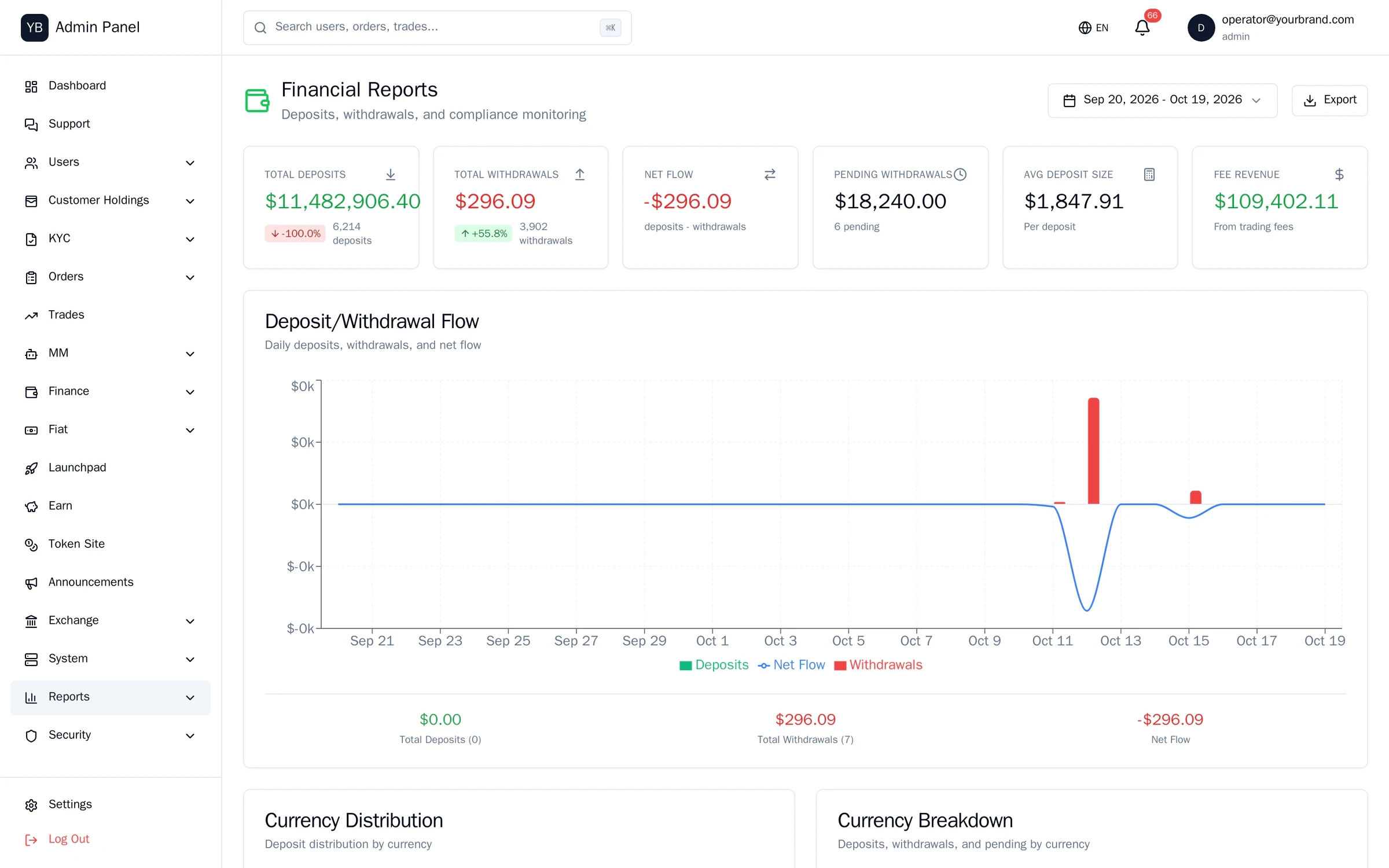
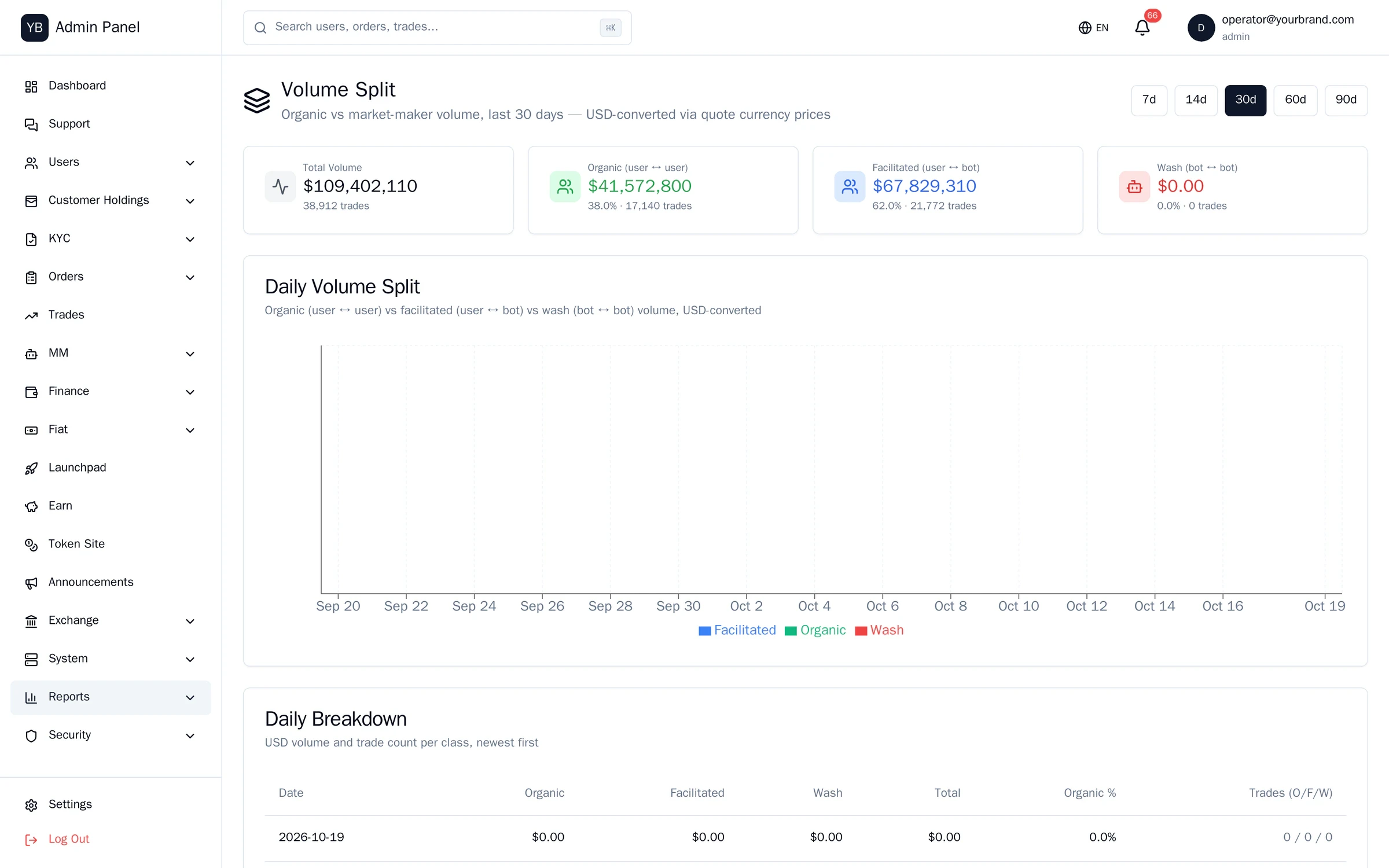
Some figures in these screens are sample data; layouts and features are the running software.
Status that reflects reality.
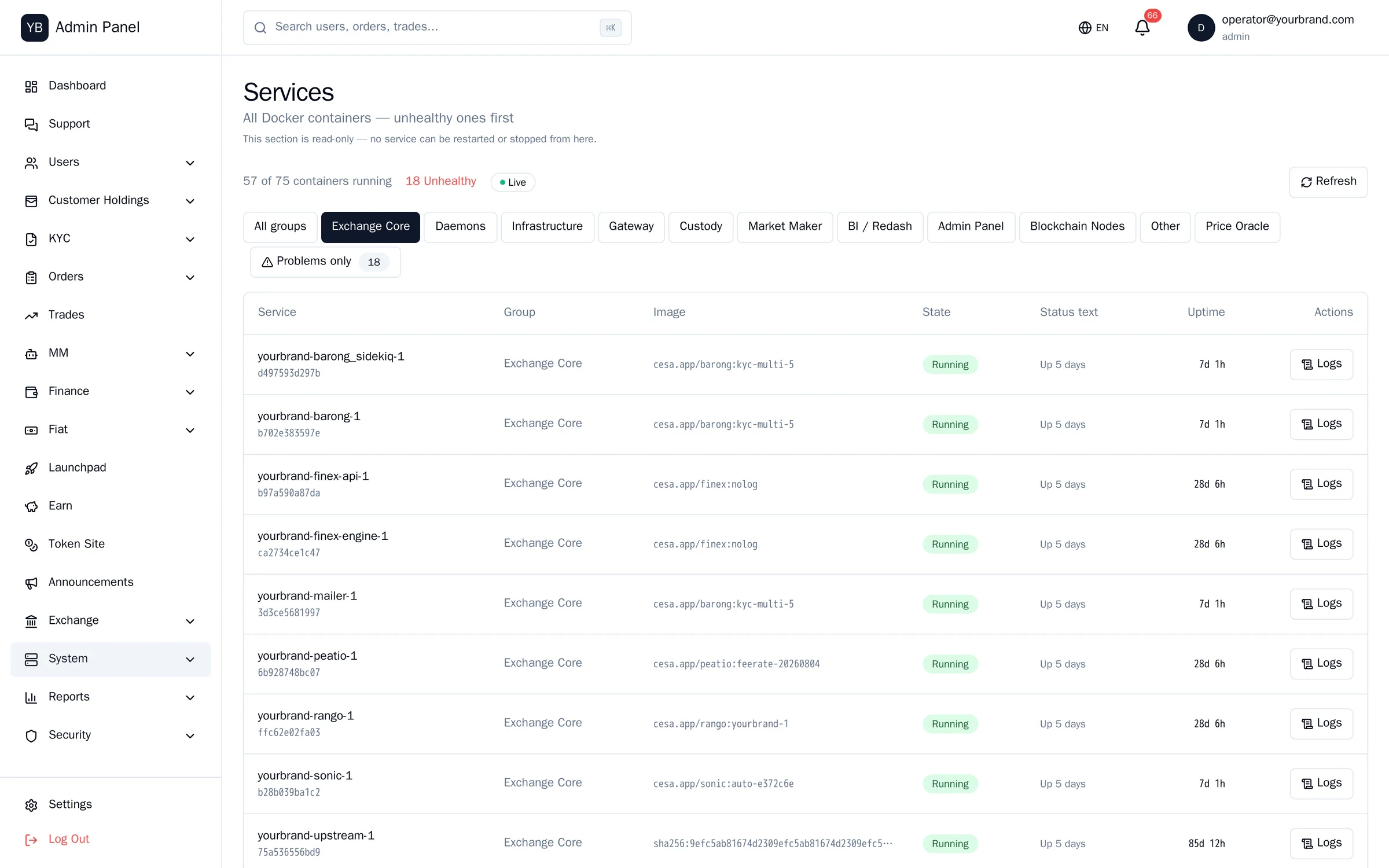
Services
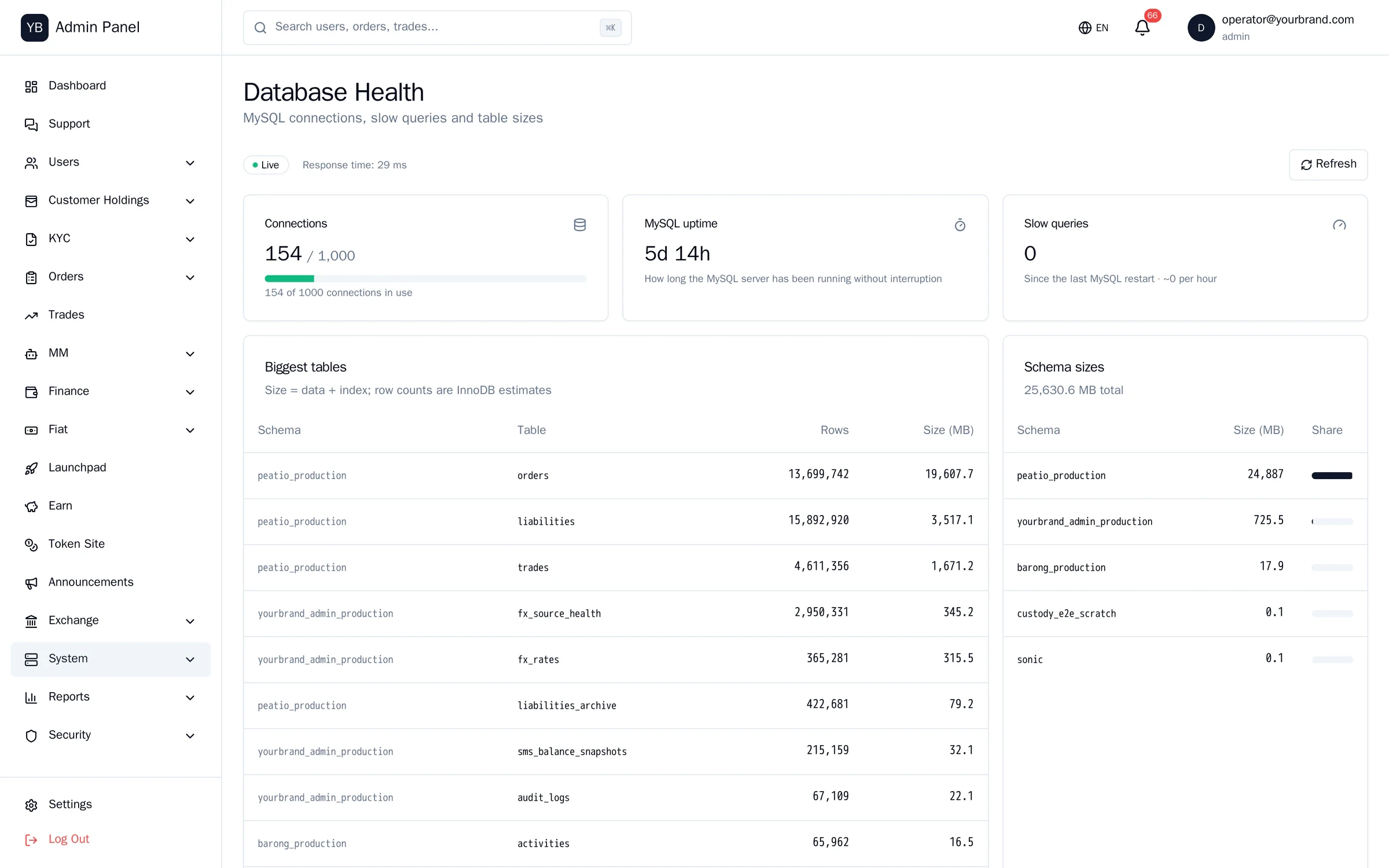
Per-container status, health and restart for roughly fifty services.
Host metrics
CPU, memory, disk and network.
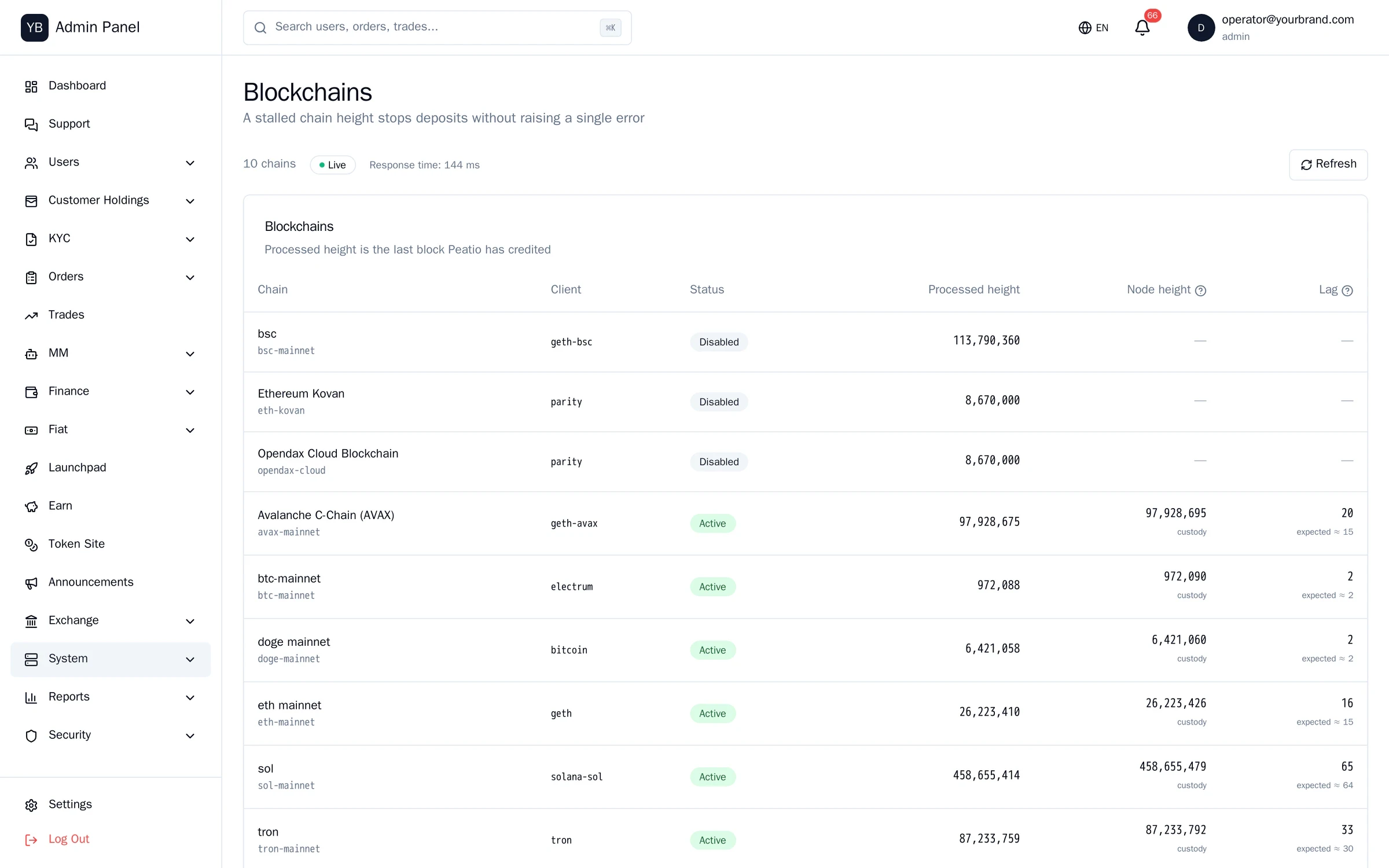
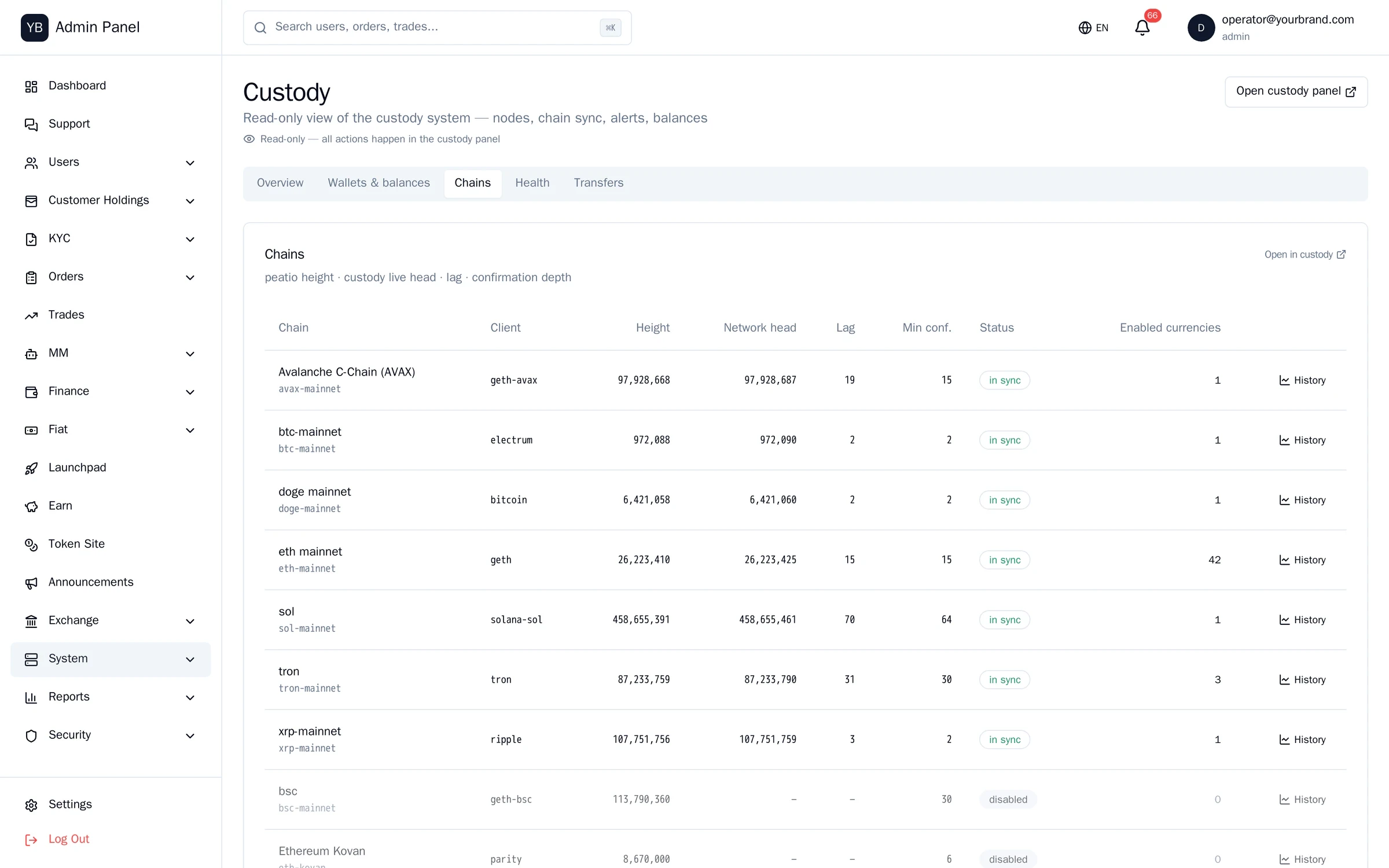
Blockchains
Scanner heights compared with real chain heights; a lagging chain is never green.
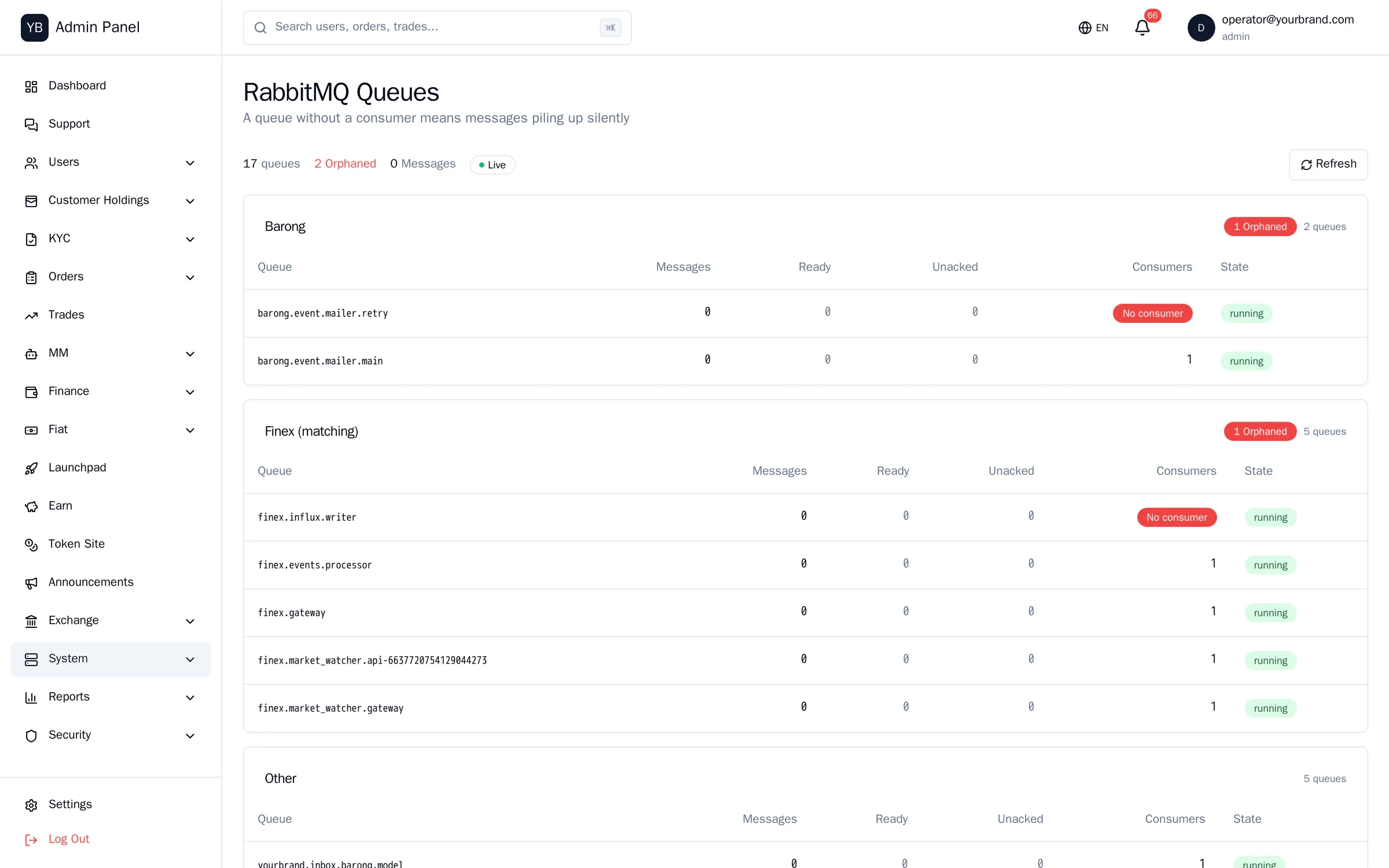
Queues
RabbitMQ depths and consumer counts.
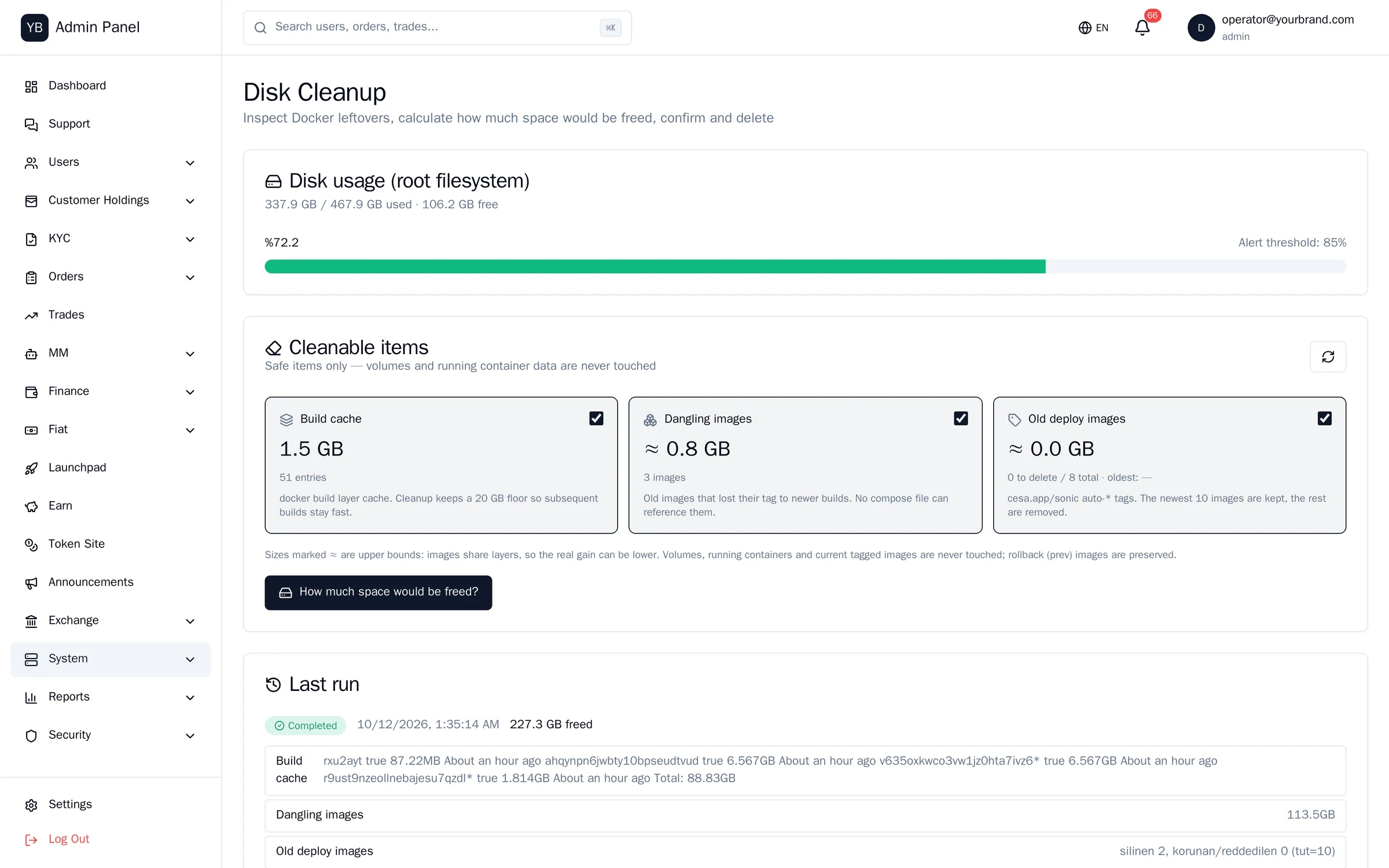
Disk management
Inventories image and build-cache growth and reclaims it after operator confirmation, with a dry-run first.
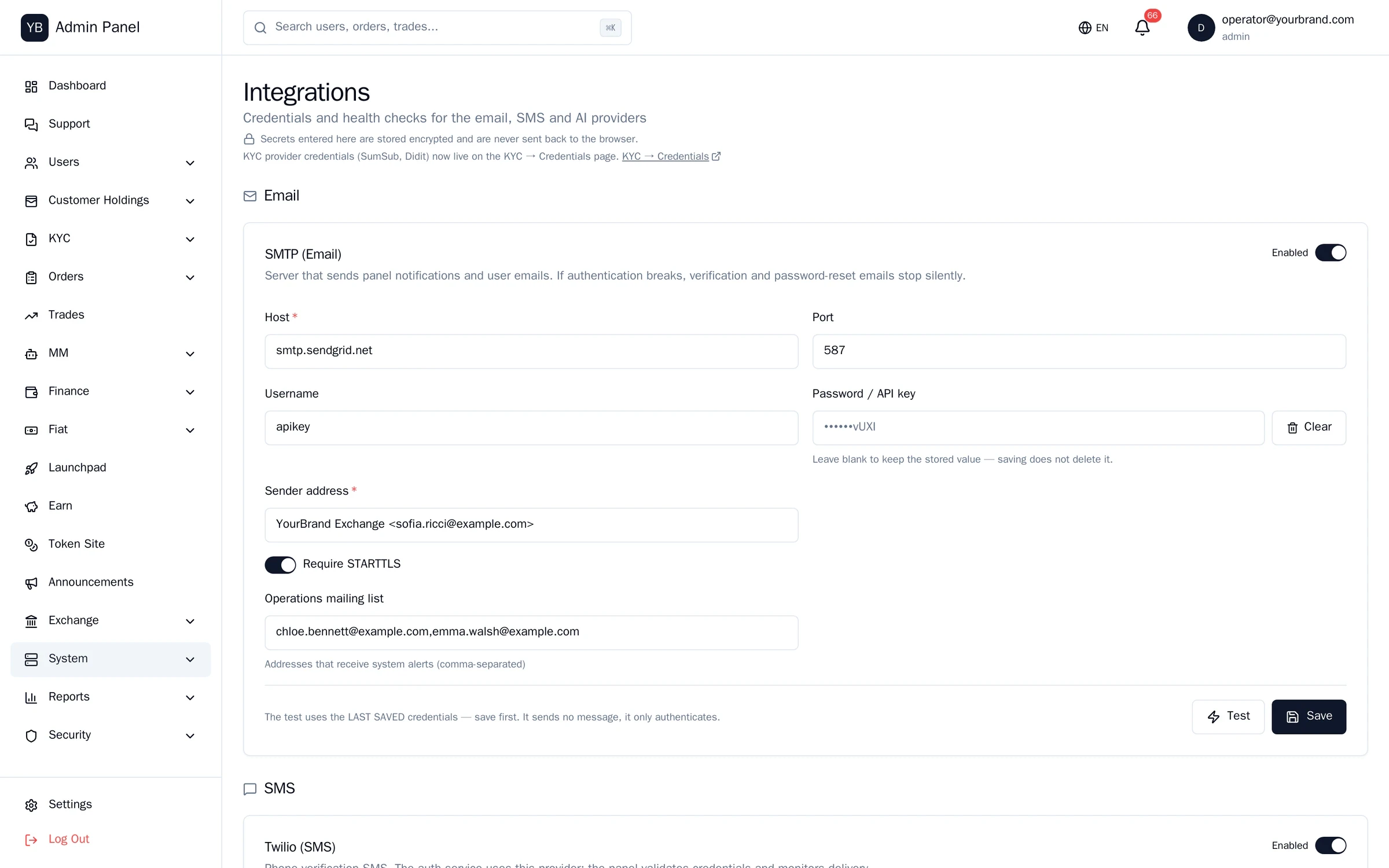
Integrations
Sumsub, SMTP, SMS, Telegram settings with secrets masked. SMS gateway with OTP delivery log.
Vault and custody health
Seal status and node health mirrored read-only from the custody panel.
Health, honestly.
Screens from the running system. Light theme.
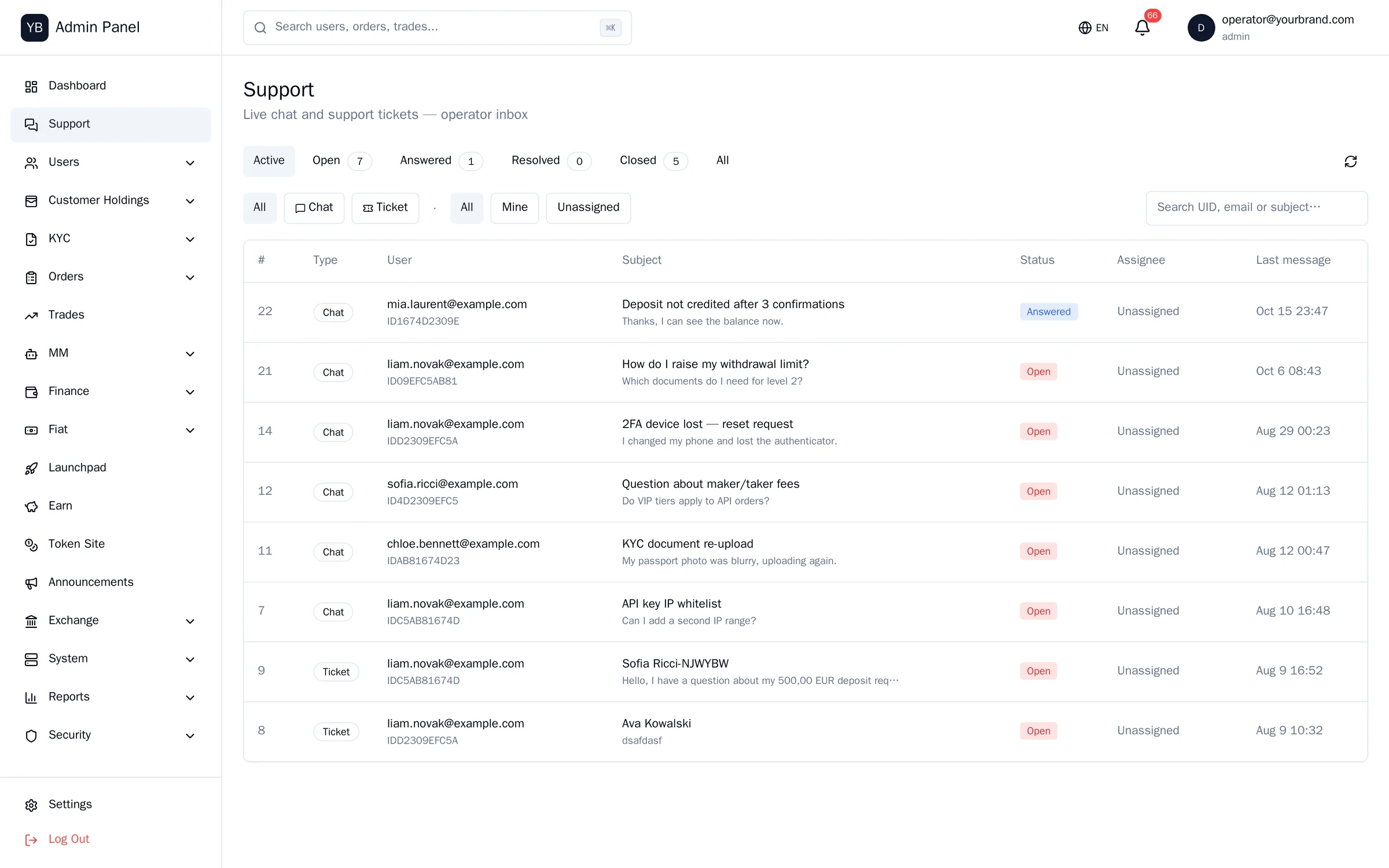
Chat and tickets on one screen.
Real-time chat
WebSocket delivery to and from the customer’s chat window; conversations left open close automatically.
Separate support role
Support staff see the customer list and KYC read-only and have no access at all to finance screens.
Operator handoff
Hand a conversation to another operator with context.
Tickets
Queue with status and assignment; linked to the customer timeline.
Operations console at a glance
- Consoles
- Admin (53 screens) · Mirror · Custody · Earn — Next.js 16, TypeScript, Tailwind, Prisma
- Roles
- superadmin / admin / support · deny by default · a second approver for sensitive actions
- Audit
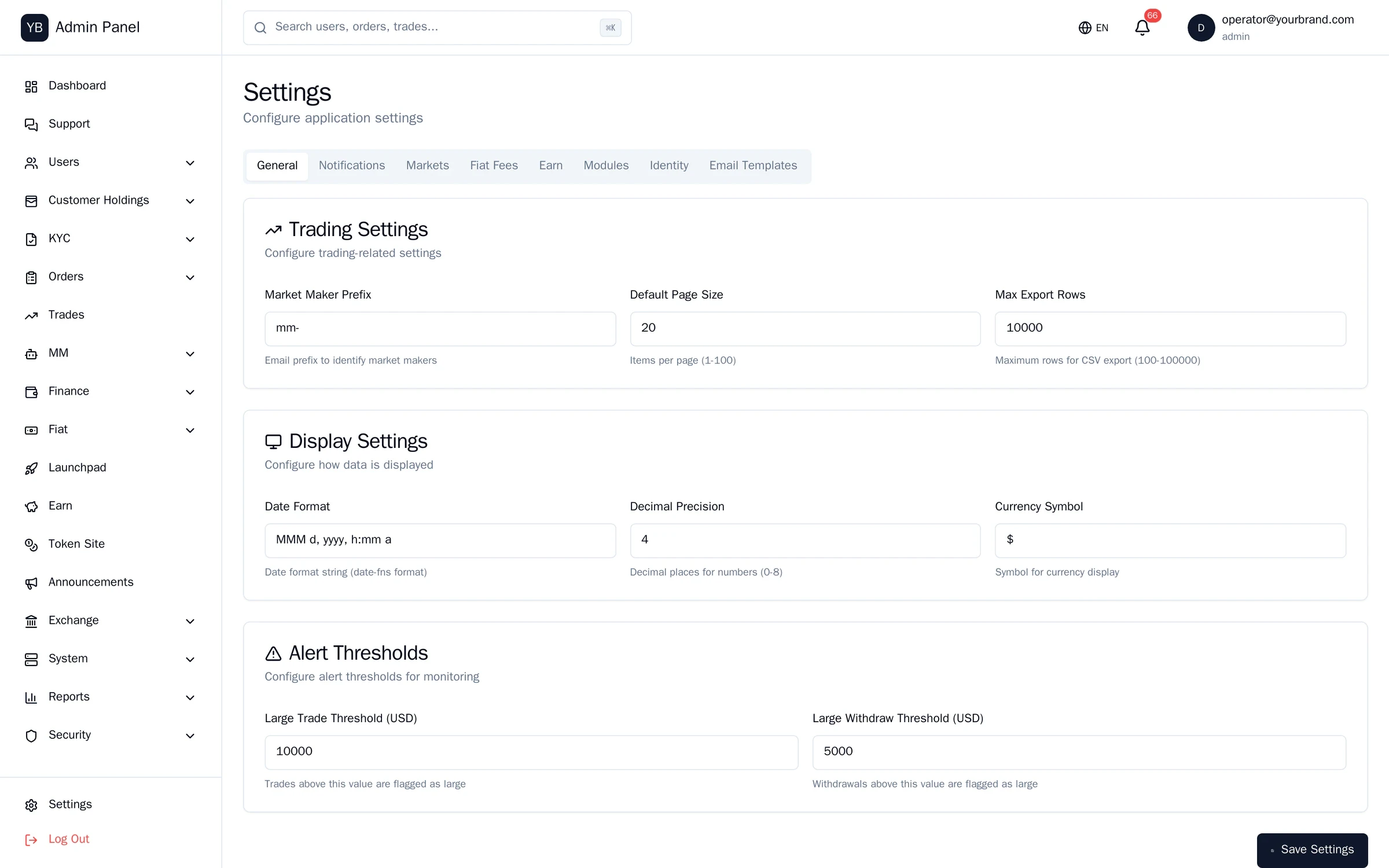
- Who/what/when on every settings change and money action · export for auditors
- Integrations
- Sumsub KYC · SendGrid · Netgsm/Twilio SMS · Telegram alerts · Binance + CCXT
- Included with
- Exchange block (all consoles) · Payments operator console · Custody officer console
See the console with write access.
A guided session on a dedicated environment: list a market, approve a withdrawal, review the audit log.