See every product before the first call.
Run a payment end to end and click through the operations console on this page, with no sign-up. Browse screens and films from the running system, then book a guided session and we go through your scenario on a write-enabled environment.
- Payment flow
- On this page · simulated in test mode · no sign-up
- Operations console
- On this page · interactive tour · read-only
- Exchange, token portal, wallet
- Screens and films below · hands-on in a guided session
- Custody
- Guided session only · with your security team, under NDA
A payment, end to end.
This replays exactly what your merchants' servers see: an invoice is created, the chain is watched, confirmations accumulate, and a signed webhook flips the order to paid. Here the payment is simulated in test mode; no real funds move.
- 01
Invoice
Merchant server calls POST /v1/invoices; checkout URL comes back.
- 02
On-chain
Custody sees the transaction and counts confirmations to the depth you set (19 on TRON).
- 03
Webhook
HMAC-signed payment.confirmed hits the merchant; balance credited instantly.
Pay a demo invoice
1 USDT · TRC20 · testnet
| Invoice | Amount | Status |
|---|---|---|
| INV-2026-0419 | 1.00 USDT | pending |
| INV-2026-0418 | 240.00 USDT | OK |
| INV-2026-0417 | 59.90 USDT | OK |
- — Awaiting payment
Screens from the running system.
Light theme, captured from production with test accounts. Open any tile at full size.
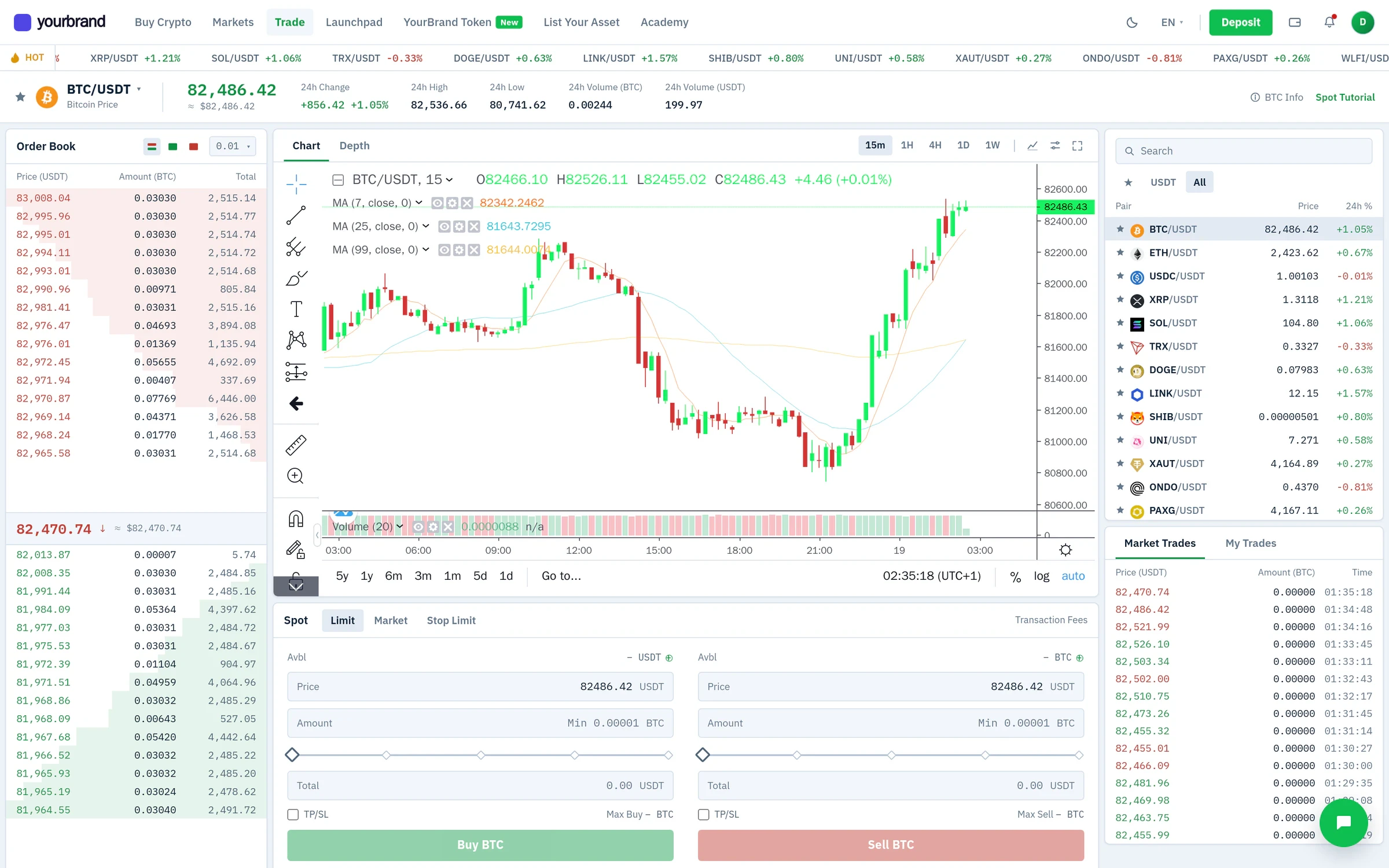
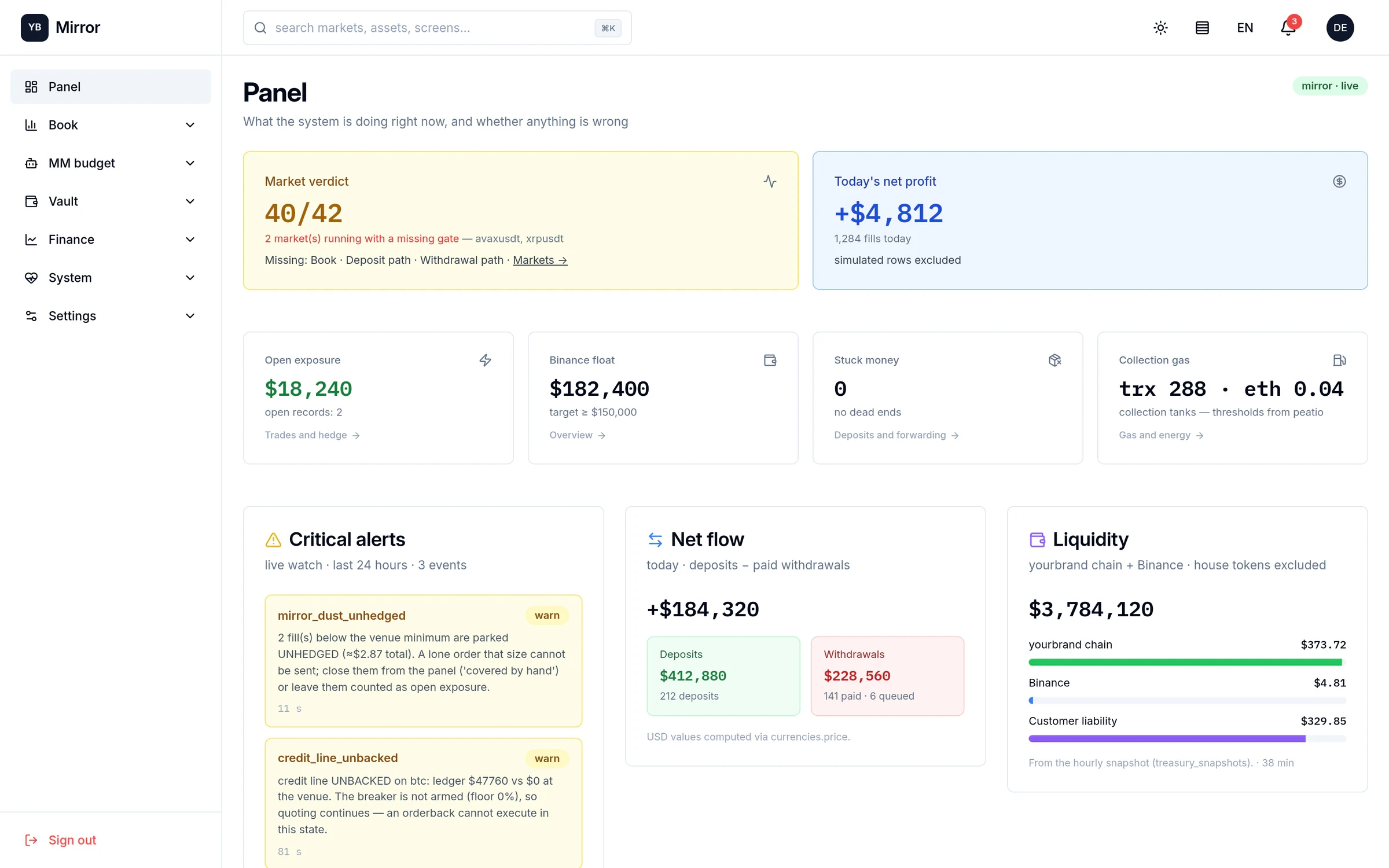
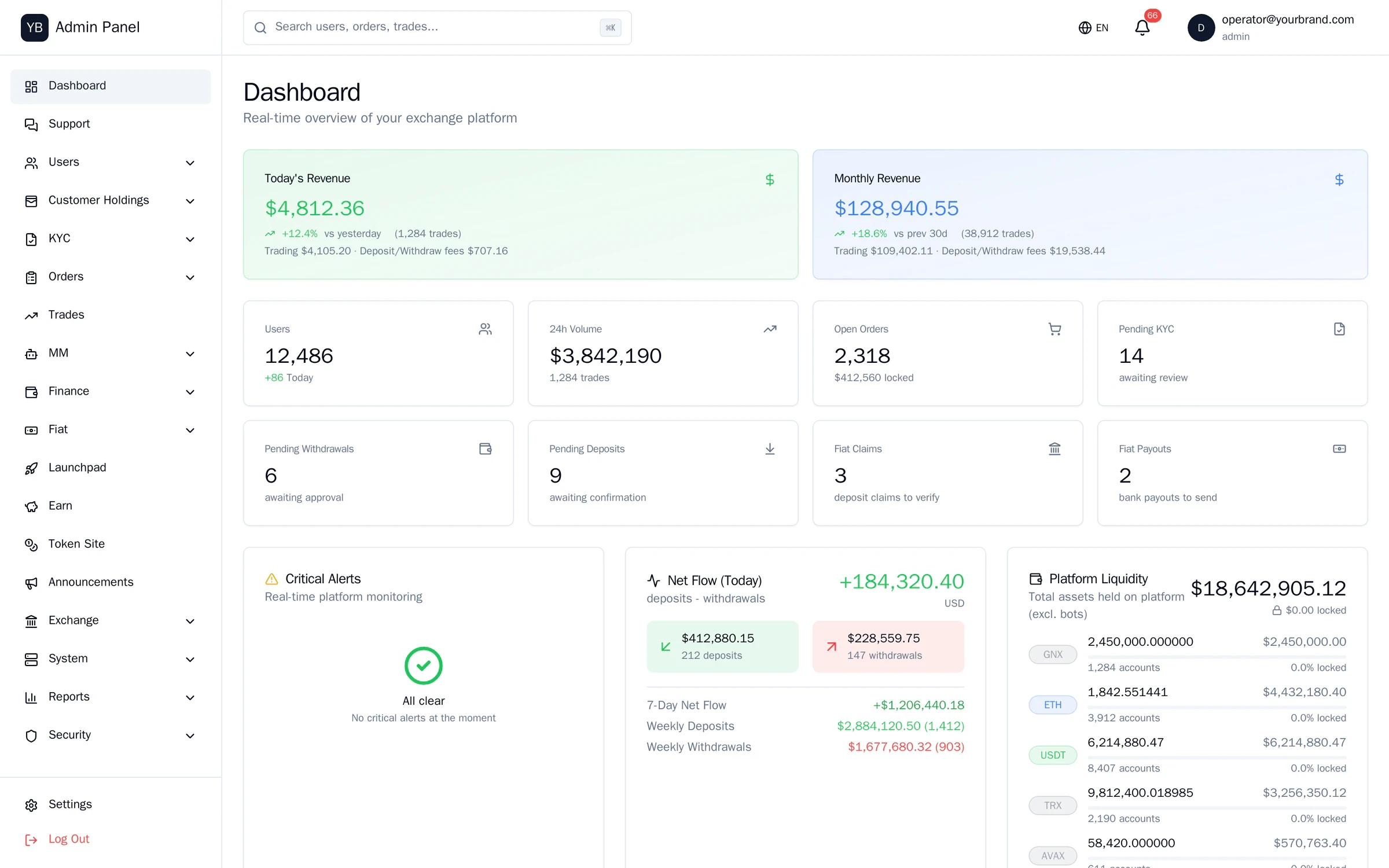
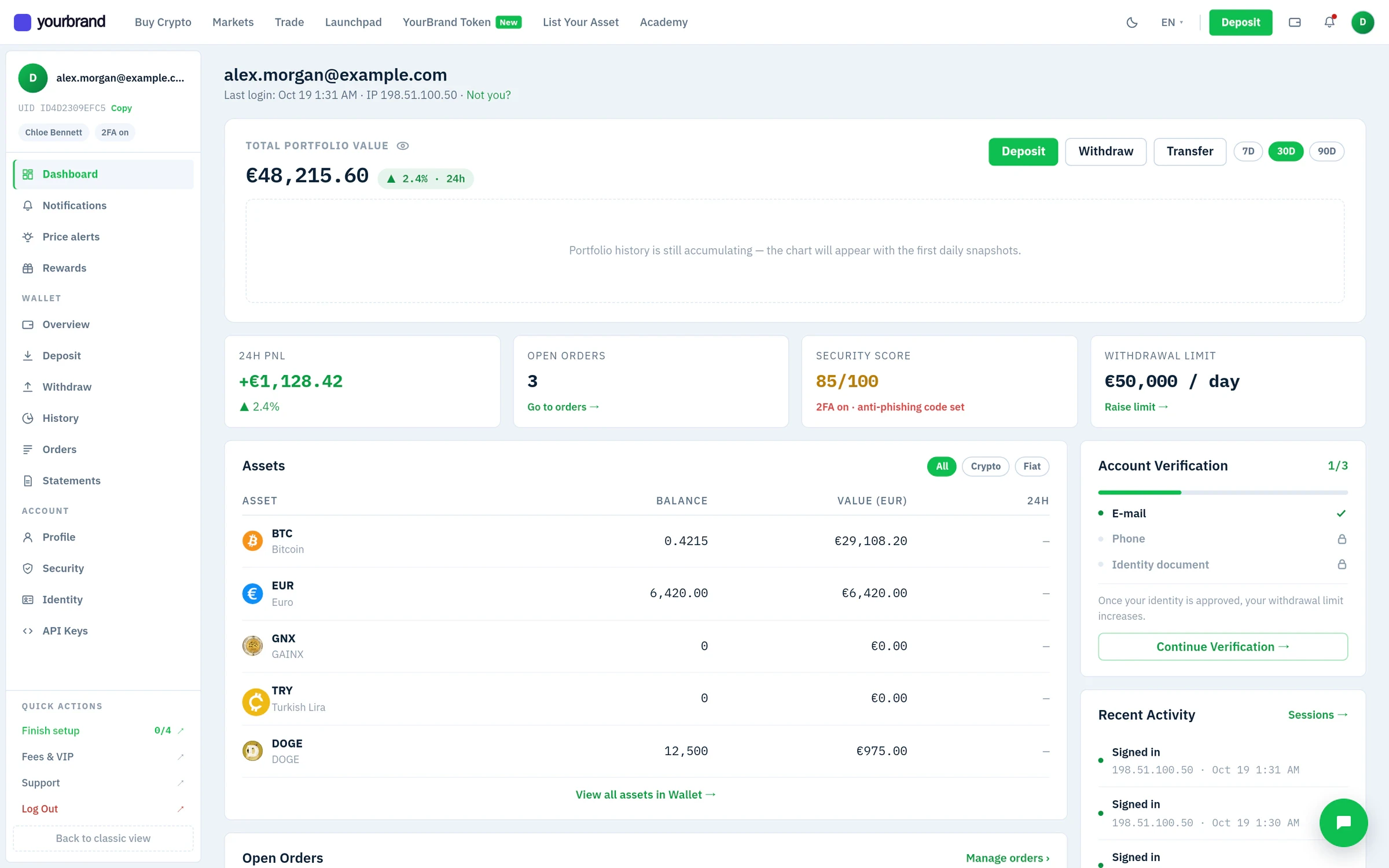
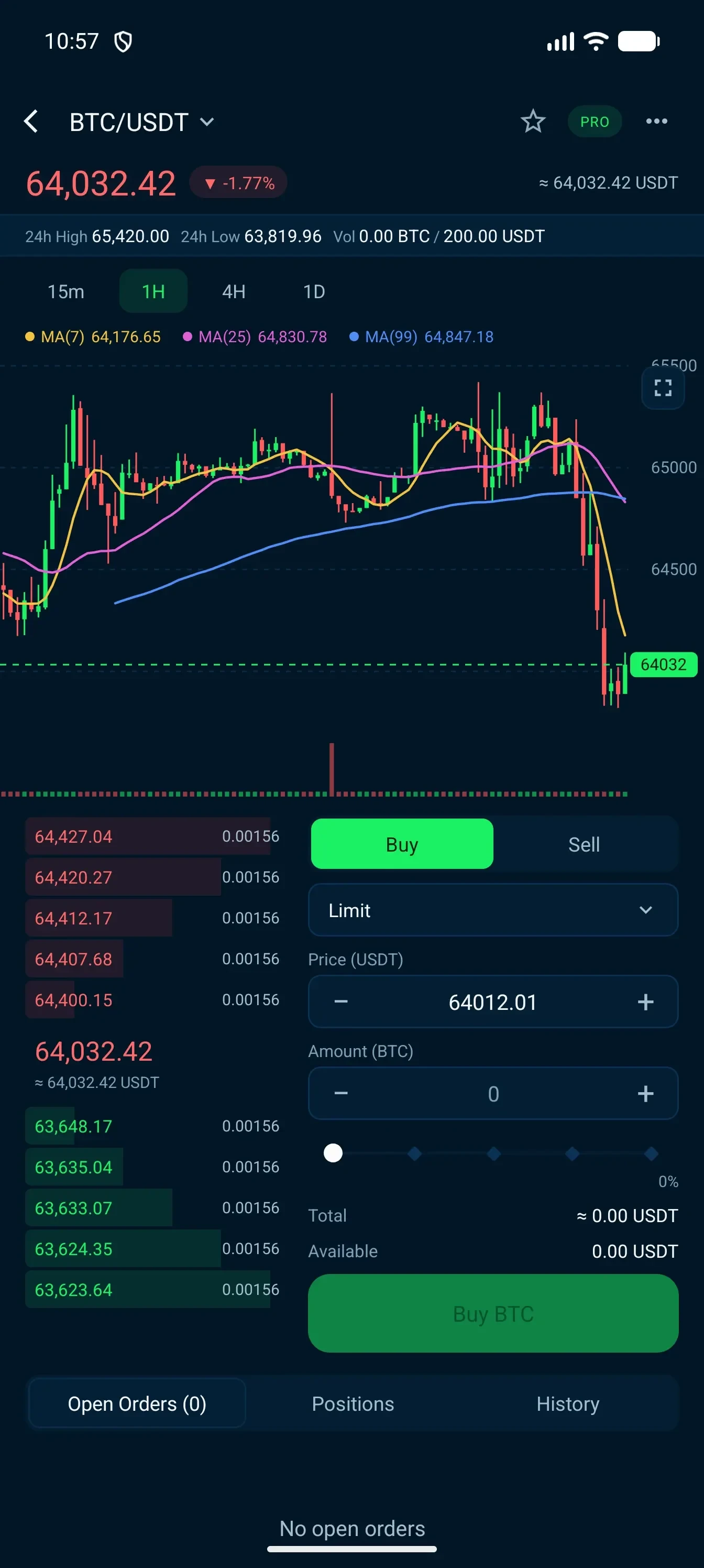
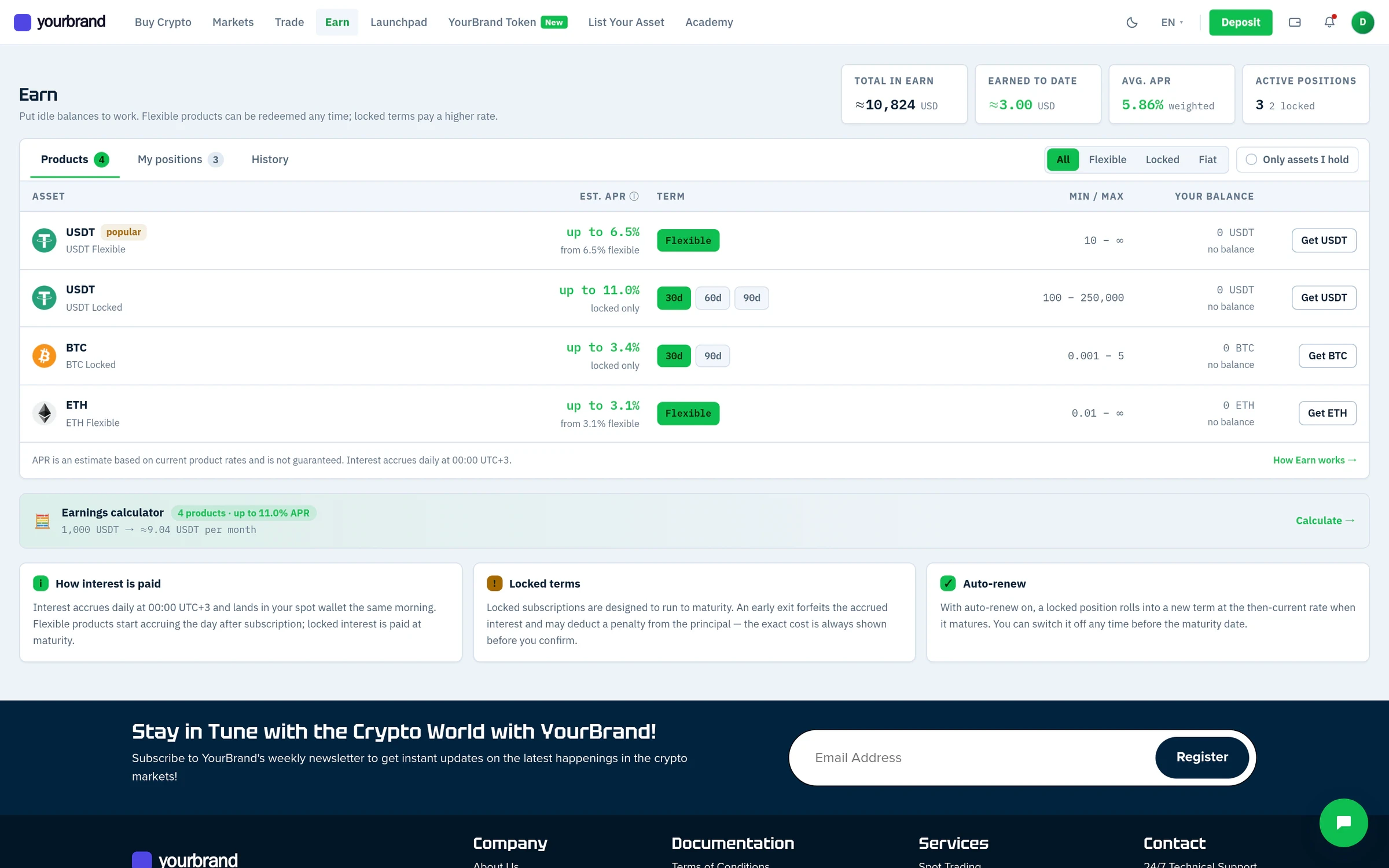
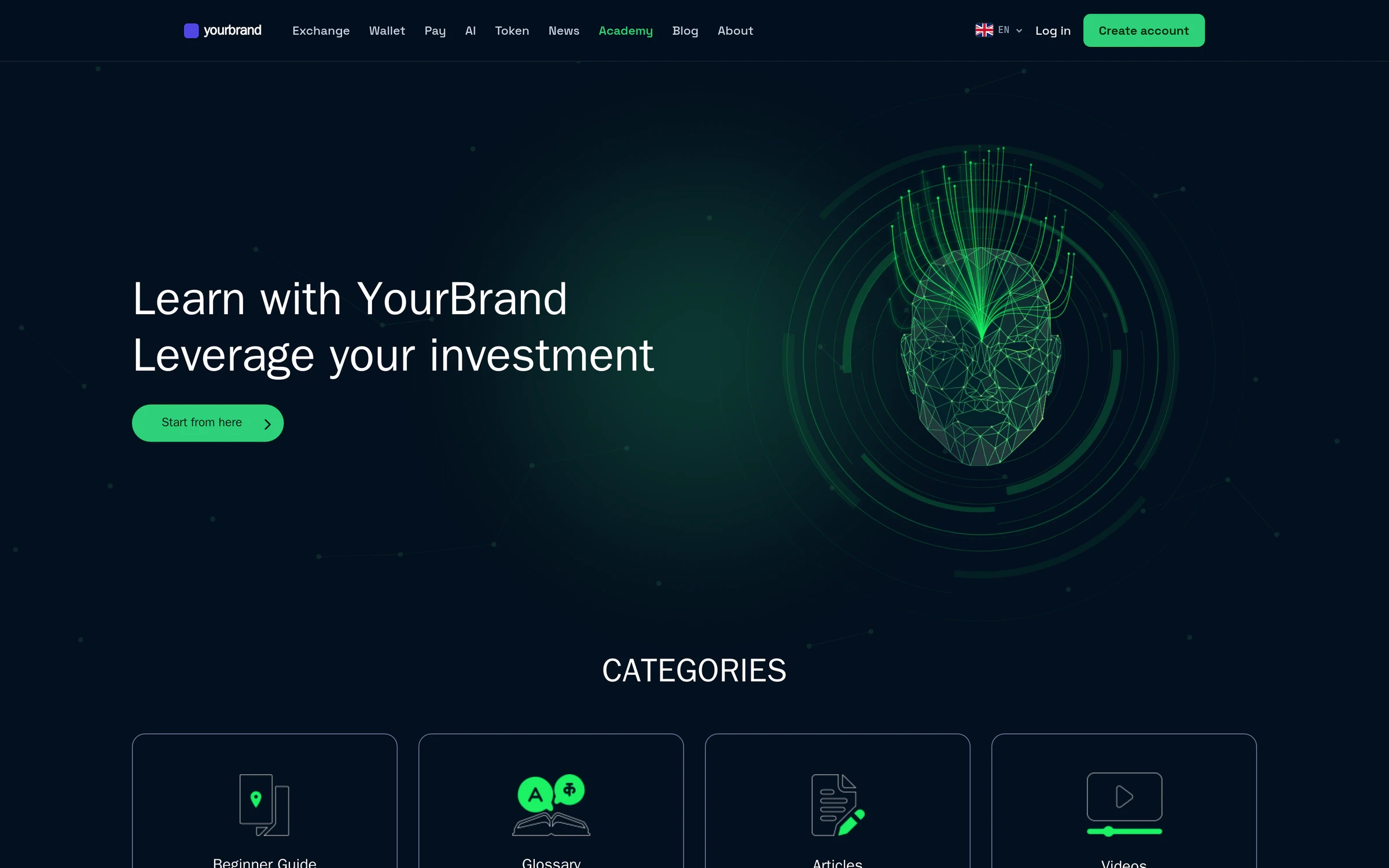
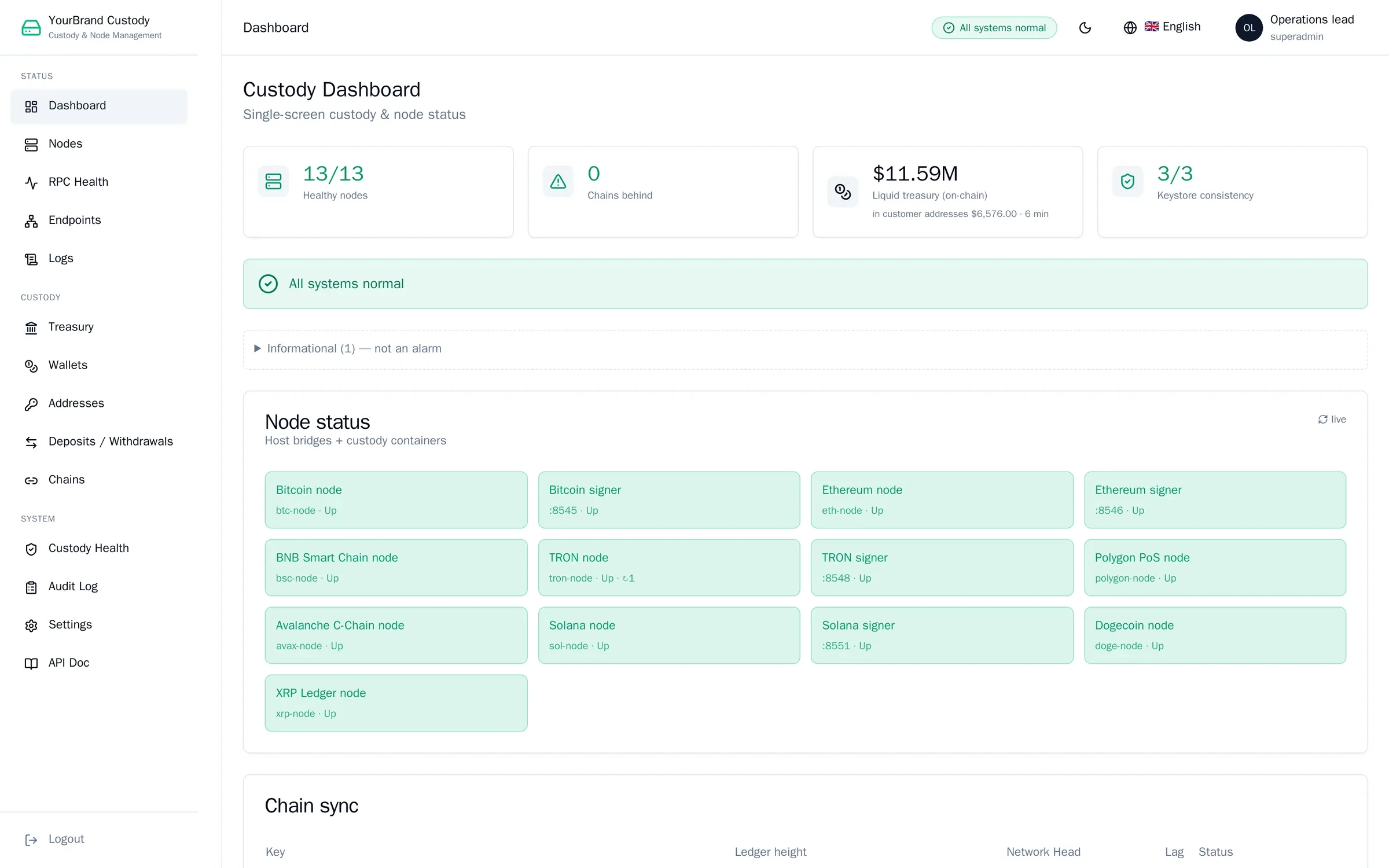
Some figures in these screens are sample data; layouts and features are the running software.
The platform in ninety seconds.
The overview film shows every product on one foundation. Per-product recordings are shown in guided sessions.
The exchange, wallet and desktop films play below. The overview film is shown in the guided session.
Watch the exchange run.
Markets, the pro terminal, Easy Trade and Launchpad, recorded on the running system under a neutral brand.
Recorded on the live system; some figures are sample data. Captions in English.
Watch the wallet app run.
Balances, assets, Earn with a term picker, Convert at a live quote, QR receive, an address-checked send and the security settings, recorded in the white-label wallet app under a demo brand.
Recorded in the wallet app with a demo brand and sample data. Captions in English.
The same wallet on the desktop.
Balances, the asset table, Convert at a live quote, receive with a network picker, a keyboard-first send and device sessions, recorded in the native macOS and Windows app under a demo brand.
Recorded in the desktop app with a demo brand and sample data. Captions in English.
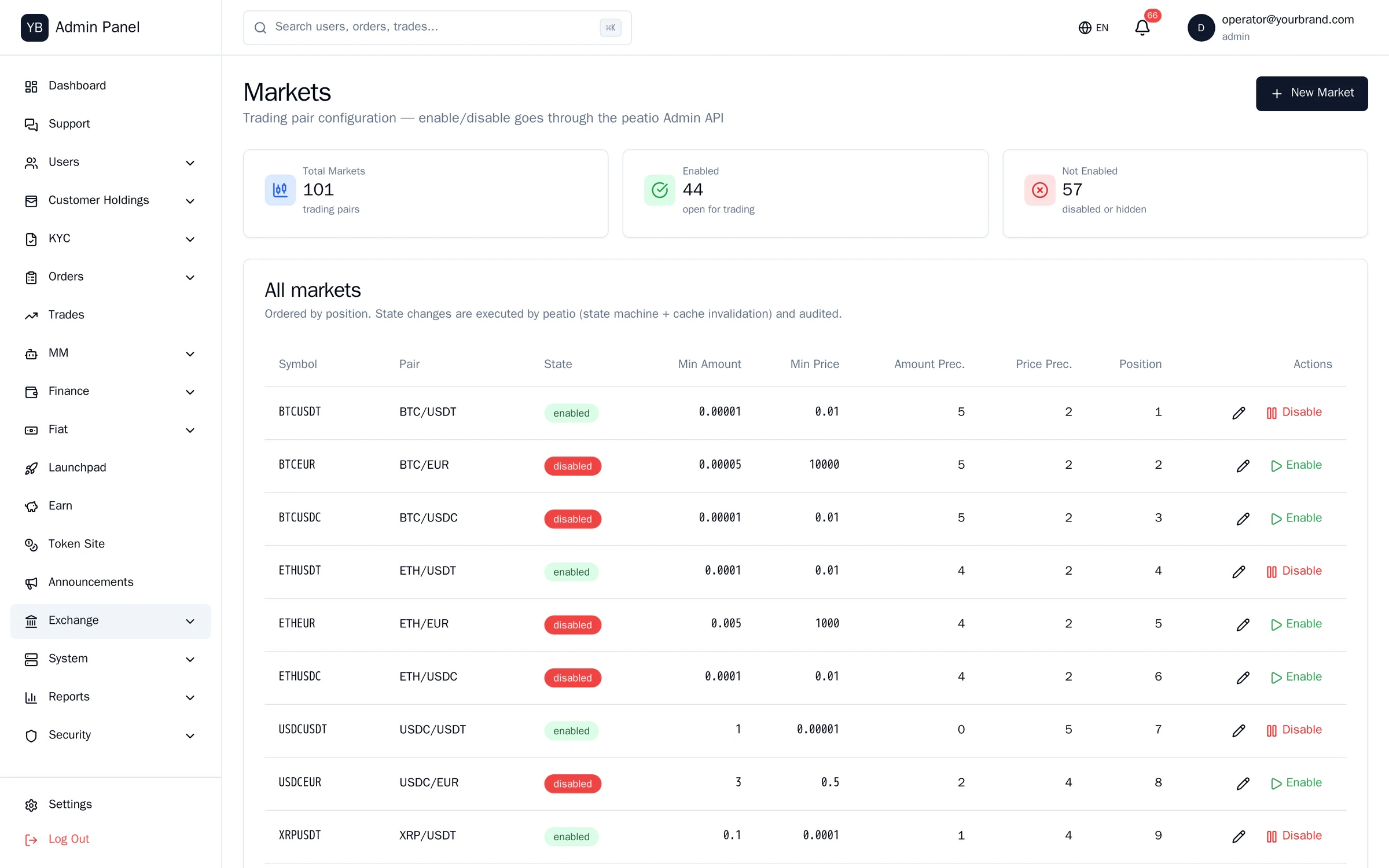
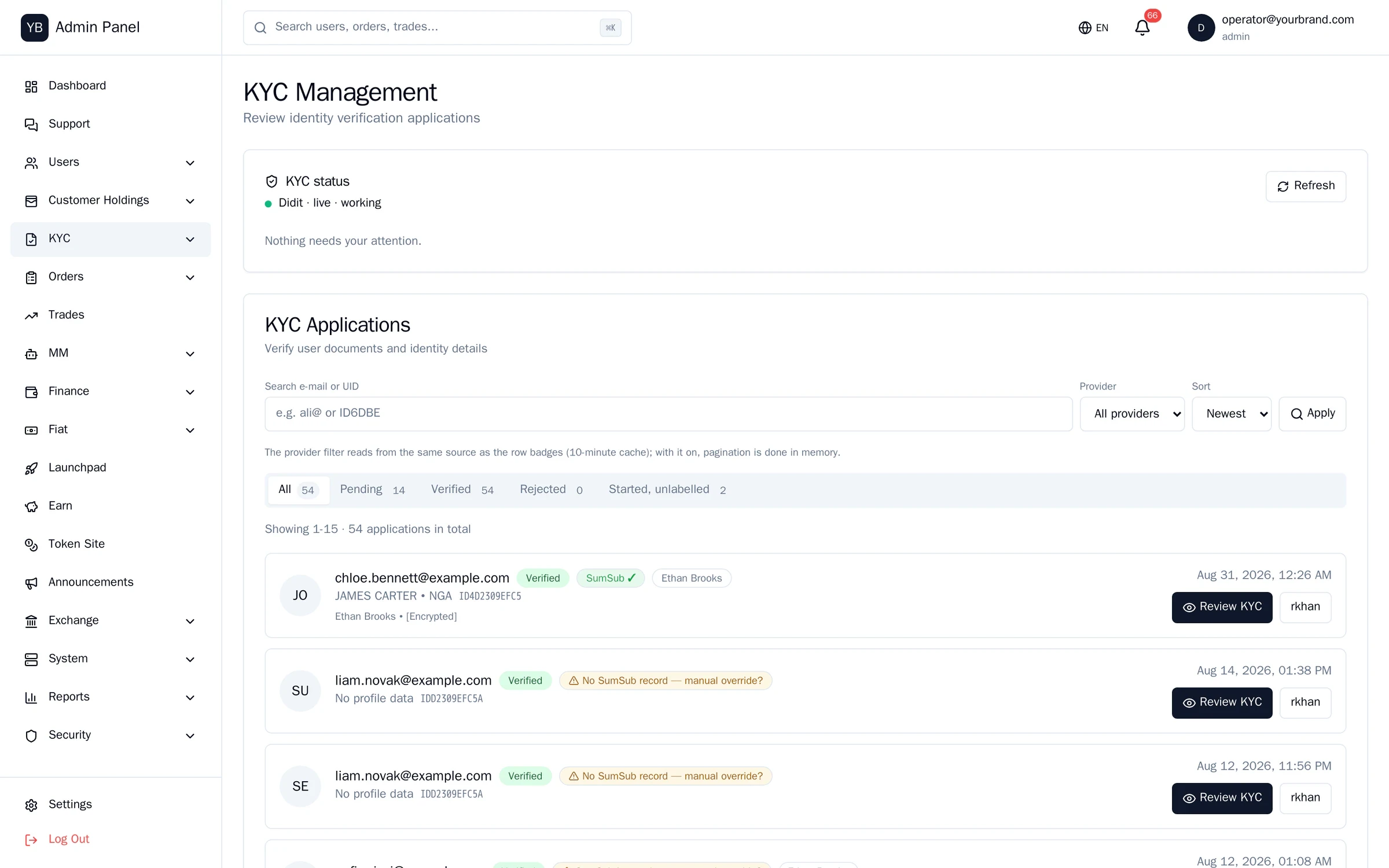
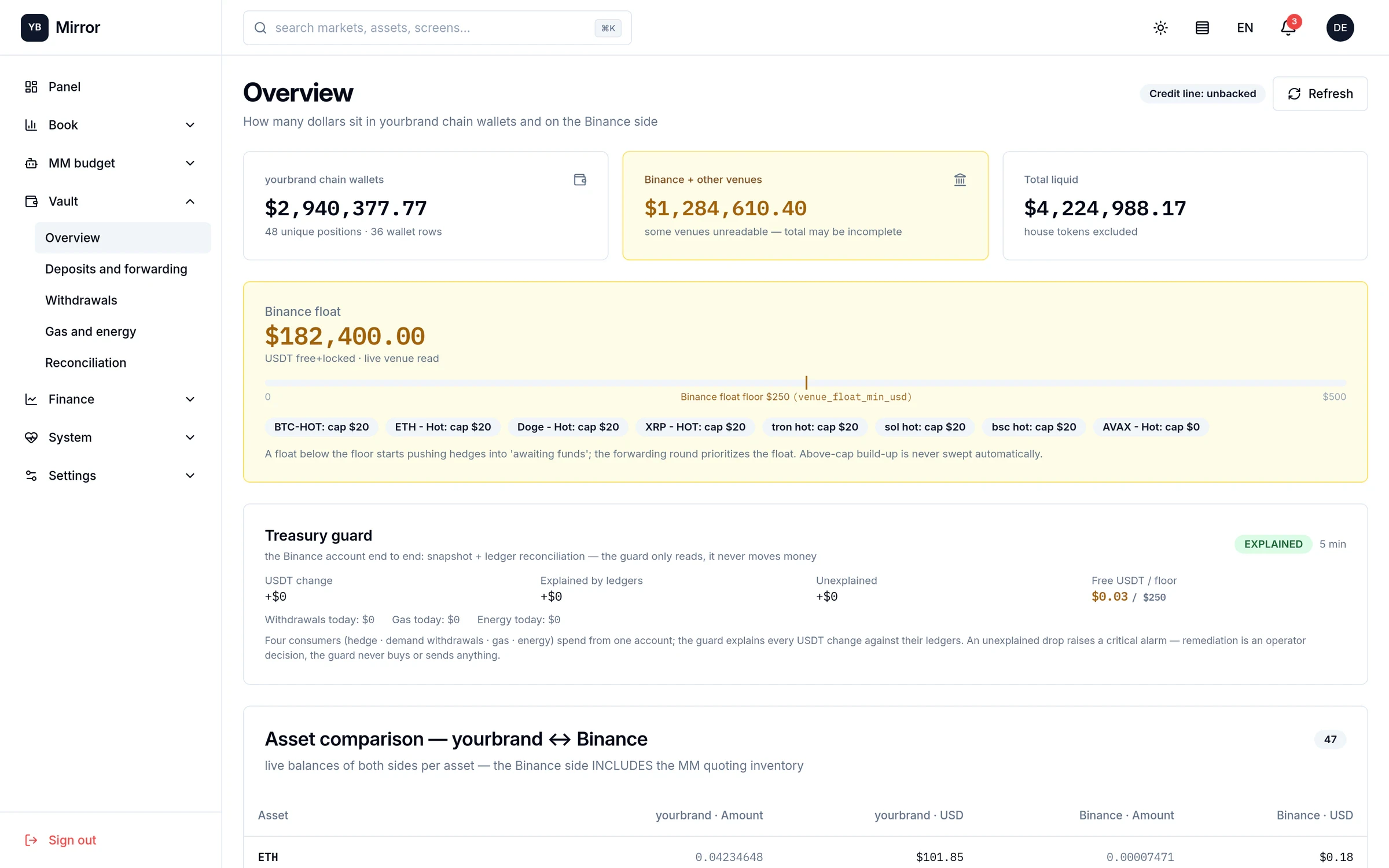
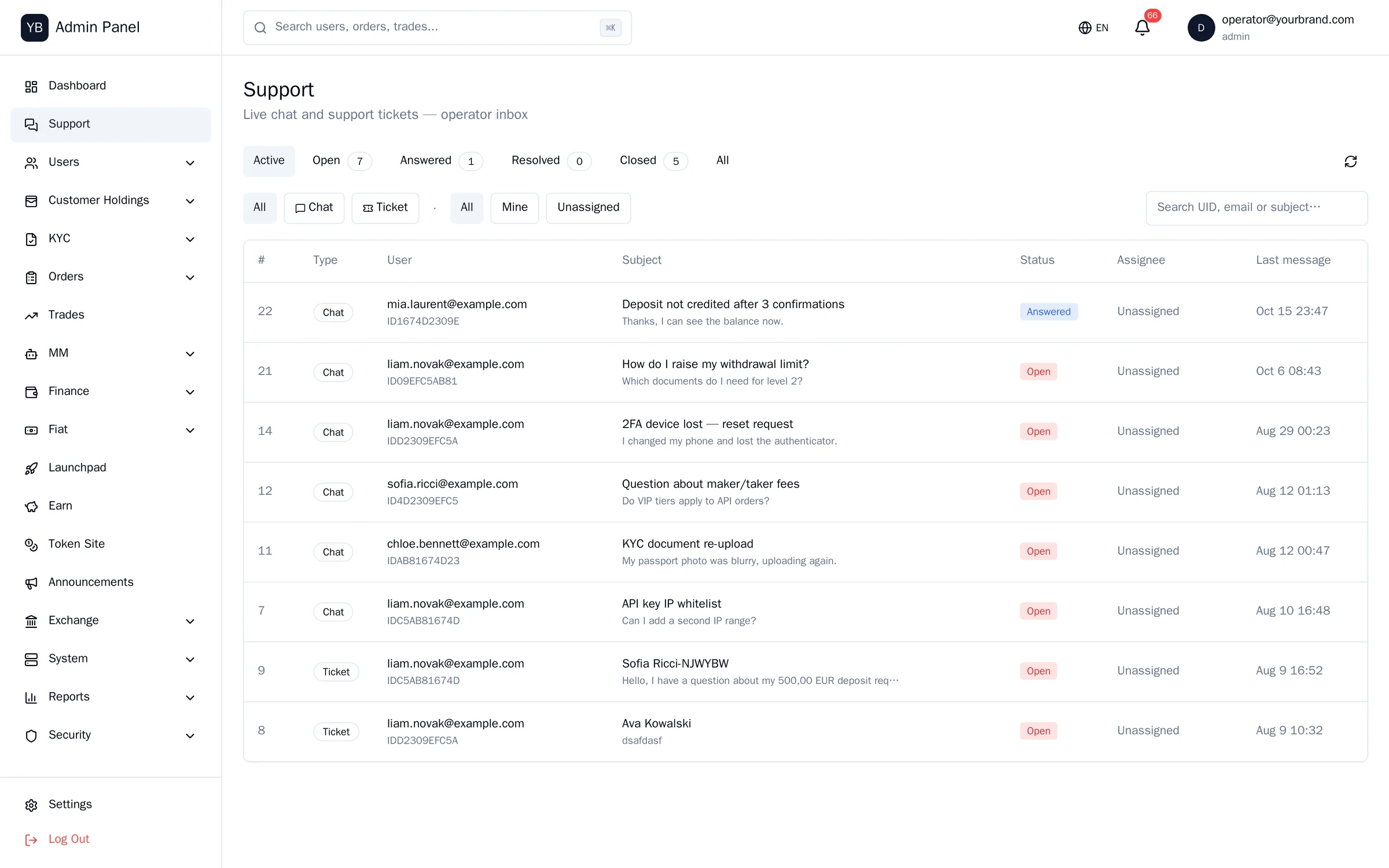
The operations console, in miniature.
Four of the areas, in miniature. This tour is read-only; a guided session shows the rest with write access.
Both trading modes, every order type.
In a guided session we run it with you:
→ A 0.01 BTC order in Easy Trade, in three taps
→ A stop-limit order in Pro, with the workspace rearranged
→ A deposit that credits and reconciles
→ The same account on the iOS and Android apps
Book a guided demo · Screen tour
An allocation round, then the vesting claim.
In a guided session we run it with you:
→ Allocate 100 test USDT in the Seed round
→ Move the clock to the unlock date and claim 10%
→ Open the admin: allocation table, rounds, one-click refund
Book a guided demo · Screen tour
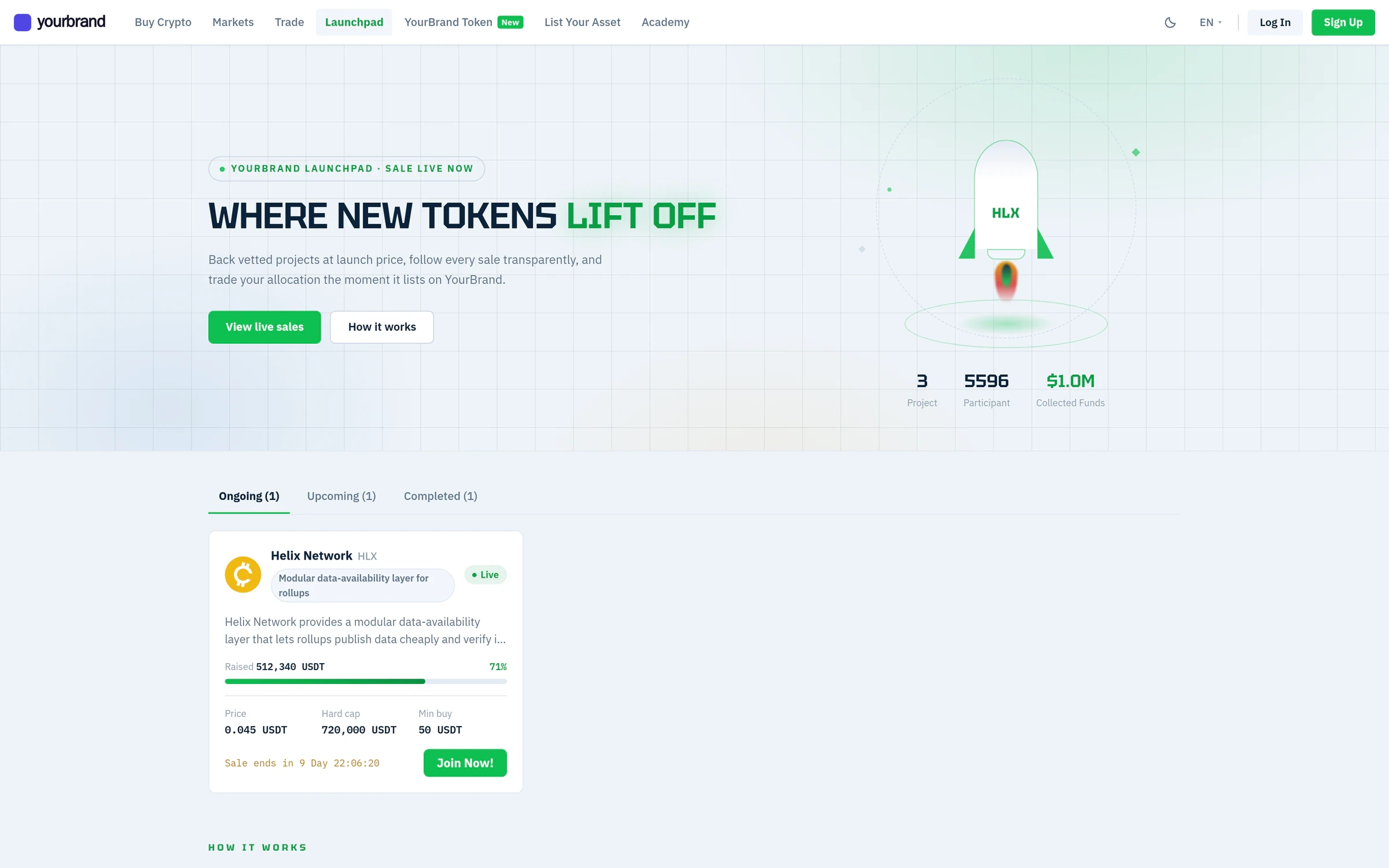
Install, sign in on a second device, recover without a seed phrase.
In a guided session we run it with you:
→ Sign in with PIN and 2FA, then sign out a second device
→ Send to a wrong-network address and watch Address Shield stop it
→ Recover the account on a new device
iOS (TestFlight) and Android (APK) test builds are shared after the first call. Request test builds
Custody is shown in guided sessions only.
Vault structure, policy engine and approvals are shown in a guided session with your security team, under NDA, on a dedicated environment.
45 minutes with the engineers who run it.
Screen-share on a write-enabled environment: we list a market, approve a withdrawal, run a payout, open the custody console. Bring your compliance and security people — most questions come from them.
✓ Your scenario, not a script — tell us the market and licence
✓ Architecture and security Q&A with a senior engineer
✓ Recording and a written follow-up within 24 hours
- Sales
- sales@bitpolaris.com
- Partners
- partners@bitpolaris.com
- Security
- security@bitpolaris.com